Arc Browser Is Shutting Down: Best Alternatives and How to Migrate Before December 22
Arc stops working on December 22, 2026. The Browser Company announced the shutdown on October 22 and is steering Arc users to its newer AI browser, Dia. If you want the shortest path, Dia imports your Arc setup directly. If you want something that still feels like Arc, Zen Browser is the closest match, and as of its October 29 stable release it can import Spaces from Arc. If you want maximum control, Vivaldi is the power-user option. Everything else (Chrome, Edge, Brave, Safari) works if you are happy to give up the Arc workflow.
This guide covers the exact shutdown timeline, how to choose a replacement based on the Arc features you actually use, and a step-by-step migration plan you can finish in an evening. Details below were checked on October 31, 2026, and this situation is still moving, so confirm anything critical against the vendor's own pages.
What is happening to Arc, and when
Arc has been winding down for a while. It went into maintenance mode in May 2025, when the company shifted its focus to Dia, and Atlassian completed its acquisition of The Browser Company in October 2025. The October 2026 announcement turns that slow fade into a hard deadline:
- October 22, 2026: new Arc accounts can no longer be created. Arc for macOS and Windows keeps receiving basic updates and fixes, but no new features.
- November 23, 2026: on iOS and Android, Arc Search loses its AI features, including Browse for Me. Sign-in and tab sync stop working, although the app continues as a basic local browser.
- December 22, 2026: Arc becomes inaccessible on macOS and Windows, Arc accounts are deactivated, and Arc Search is removed from Google Play.
The company's stated reason is security: keeping two browsers patched was hard to justify, so engineering and security work is going to Dia. Arc is built on a custom internal toolkit rather than being a plain Chromium fork, and the company has said it will not open-source it. So there is no community fork to wait for.
The practical takeaway: Arc will keep running until the deadline, but you should have your data out and your new browser chosen well before December 22. Once your account is deactivated, any export that depends on it gets harder.
Which Arc replacement should you choose?
Pick based on the part of Arc you rely on, not on a generic ranking. Most people use a few features heavily: the vertical sidebar, Spaces, pinned tabs and folders, split view, and a few extensions.
Dia: least effort, different philosophy
Dia is the official successor, available on Apple Silicon Macs and Windows 11. The Browser Company says it can import logins, extensions, Spaces, Favorites, pinned tabs, and folders. Arc Spaces become Dia Profiles, and folders become tab groups. Vertical tabs, pinned tabs, and split view are in Dia, and the company says the Arc features you use are free there, with the AI features optional.
The tradeoffs are real. Dia is built around an AI assistant, so it is a different product from Arc rather than a copy. It is also still the same company that just retired its previous flagship, which is worth weighing if you are tired of rebuilding your workflow. And it is not available on Linux or on Intel Macs.
Choose Dia if you want to keep your tabs and structure with minimal work and you are comfortable with an AI-first browser. Download Dia.
Zen Browser: closest feel, open source
Zen is built on Firefox's Gecko engine and works on macOS, Windows, and Linux. Its sidebar-first layout, Workspaces, and split view cover the habits most Arc users care about, and it has its own version of Boosts. It is also actively developed, which matters after what happened with Arc.
The migration story improved this week: Zen's 1.24b stable release (October 29, 2026) added the ability to import Spaces and Profiles from Arc and Dia. Before that, people had to rely on bookmark exports and community scripts.
The main thing to check is extensions. Zen is Firefox-based, so Chromium extensions do not carry over directly. Most popular tools have Firefox versions, but verify the ones you cannot work without.
Choose Zen if the Arc interface matters more to you than a one-click transfer, or if you are on Linux (Arc never shipped there). Download Zen.
Vivaldi: maximum control
Vivaldi is Chromium-based, so your extensions transfer. It offers workspaces, tab stacks, tiling, and a command launcher, and it is highly configurable. The cost is a denser, busier interface than Arc's minimal one.
Choose Vivaldi if you are a power user who would rather configure a browser than adapt to one. Download Vivaldi.
Floorp, Brave, Edge, Chrome, Safari
Floorp is another Firefox-based option with workspaces and split view. Brave, Edge, and Chrome are the low-risk Chromium choices: your extensions work, and Brave and Edge both support vertical tabs. Safari comes with macOS, and works if you live in the Apple ecosystem and can rebuild your organization with Tab Groups. With these, expect to rebuild your Spaces by hand or with an export.
Quick decision guide
- You want the fastest move and do not mind AI features: Dia.
- You want the Arc look and feel, or you use Linux: Zen.
- You want to tune everything yourself and rely on Chromium extensions: Vivaldi.
- You just need a stable, supported browser: Chrome, Edge, Brave, or Safari.
How to migrate from Arc step by step
Step 1: Back up before you touch anything
Do this regardless of which browser you pick:
- Update Arc to the latest version.
- Make sure your passwords are safe, either synced to a password manager or exported through the browser you are moving to.
- Note which extensions you use and check that each one exists for your target browser.
- Take a screenshot of your sidebar layout. It is the quickest reference when you rebuild Spaces and folders later.
- Keep Arc installed until you have confirmed everything transferred.
Step 2: Move to Dia
Install Dia and choose Arc when setup asks which browser to import from. If you skipped it, use Import from Another Browser in the Dia menu on macOS, or the app menu on Windows. The company says this works at any time before December 22. Afterward, check that each Space became a Profile, that folders are in the right place, and that your extensions came across.
Step 3: Move to Zen
Download or update Zen to the 1.24b stable release or newer, then use its import option and choose Arc. After the import, review your Workspaces and rebuild anything that did not map cleanly. If you are on an older Zen build, the fallback is the bookmark route described below.
Step 4: Move to any other browser with an export
For Vivaldi, Chrome, Edge, Brave, Safari, or Firefox-based browsers without a direct importer, the standard approach is to turn Arc's sidebar data into an HTML bookmarks file, which every browser can import.
Arc stores its sidebar in a file called StorableSidebar.json. Community tools read that file and write a bookmarks HTML file with your Spaces and folders preserved as bookmark folders:
- On macOS the file lives in the
Application Support/Arcfolder inside your user Library. - On Windows it is under the
TheBrowserCompany.Arcpackage's local cache folder, inside your user AppData directory. - The open-source arc-export project (a Python script) converts pinned tabs into an HTML bookmarks file, and a Windows-specific fork exists. A browser extension called ArcEscape does the same job with a free tier and a paid unlimited export.
Then import the HTML file in your new browser's bookmark manager. This keeps structure but not live state: you will need to re-pin tabs and recreate Spaces as profiles or workspaces yourself. Treat any third-party export tool carefully, since it reads your browsing data. Check the source and run it locally.
Step 5: Rebuild your habits
The biggest adjustment is not data, it is muscle memory. Map the Arc features you used to their closest equivalents:
- Spaces become Dia Profiles, Zen Workspaces, or Vivaldi Workspaces.
- Pinned tabs and folders become pinned tabs and tab groups in Dia, pinned tabs and folders in Zen, or tab stacks in Vivaldi.
- Split view exists in Dia, Zen, and Floorp. Vivaldi uses tiling instead.
- The command bar is closest in Vivaldi's Quick Commands. Dia replaces it with an AI-first address bar.
What you will not get back
Be realistic about what does not travel. Reports from the Arc community indicate that some of Arc's more distinctive features, such as Easels and the Air Traffic Control routing rules, have no direct equivalent in most replacements, and Boosts do not appear to have carried over to Dia. Zen has its own Boosts, though they are not a one-to-one match. Arc Search's mobile sync also ends, so if you relied on desktop-to-phone tab handoff, check what your new browser offers on iOS and Android before committing.
No single browser reproduces all of Arc, so decide which two or three features you cannot live without and pick the browser that covers those.
A lesson for anyone building on a platform they do not control
Arc is a clean example of a risk every team carries: a tool you depend on can be retired on someone else's schedule. People who built their daily workflow inside one browser spent weeks rebuilding it. Companies face the same exposure with SaaS tools, APIs, and AI vendors, and the way to limit the damage is the same: inventory what you depend on, know how to export your data in a standard format, and avoid making a single vendor the only place your work lives.
If your own product relies on third-party services that could change or disappear, it is worth budgeting for that change early. Our guides on what software maintenance costs after launch and on whether to rebuild or refactor an MVP cover how to plan for it, and our build vs buy framework for internal tools explains when owning a tool is safer than renting one.
If a vendor shutdown is putting one of your own workflows or products at risk, RM JDG can help you assess the options and plan a migration that does not lose your data.
Final recommendation
If you want the move over with this weekend, import into Dia and see how it feels. If you care about the Arc experience and want a browser that is open source and actively developed, try Zen on the 1.24b release. If you want control and Chromium compatibility, try Vivaldi. Whichever you pick, export your data now and do not wait for December 22.
Sources
Services
Not sure where to start? Tell me what you want the product to do.
Related work
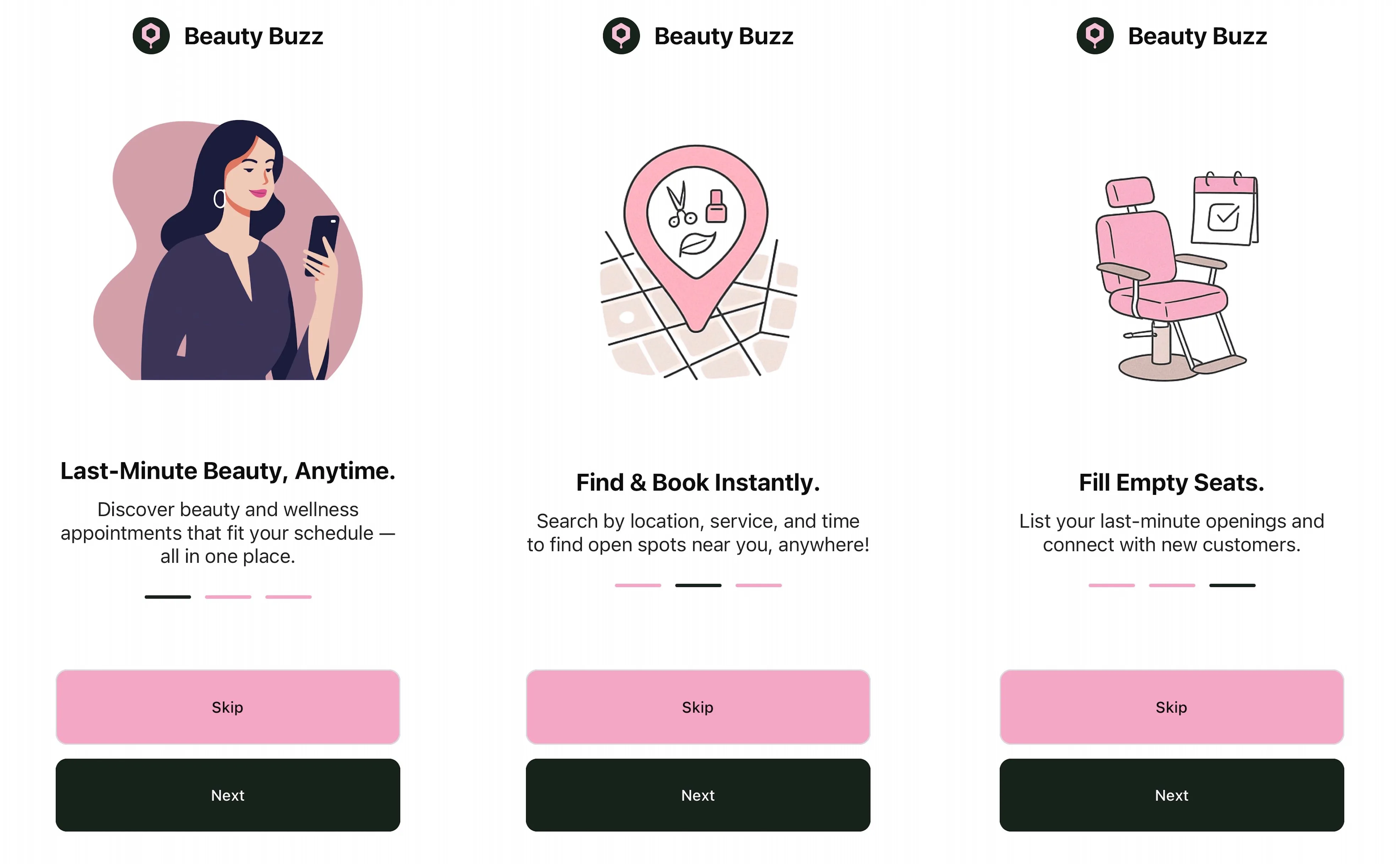
BeautyBuzz: last-minute beauty booking
An iOS beauty booking app for discovering and booking last-minute appointments with beauty professionals.
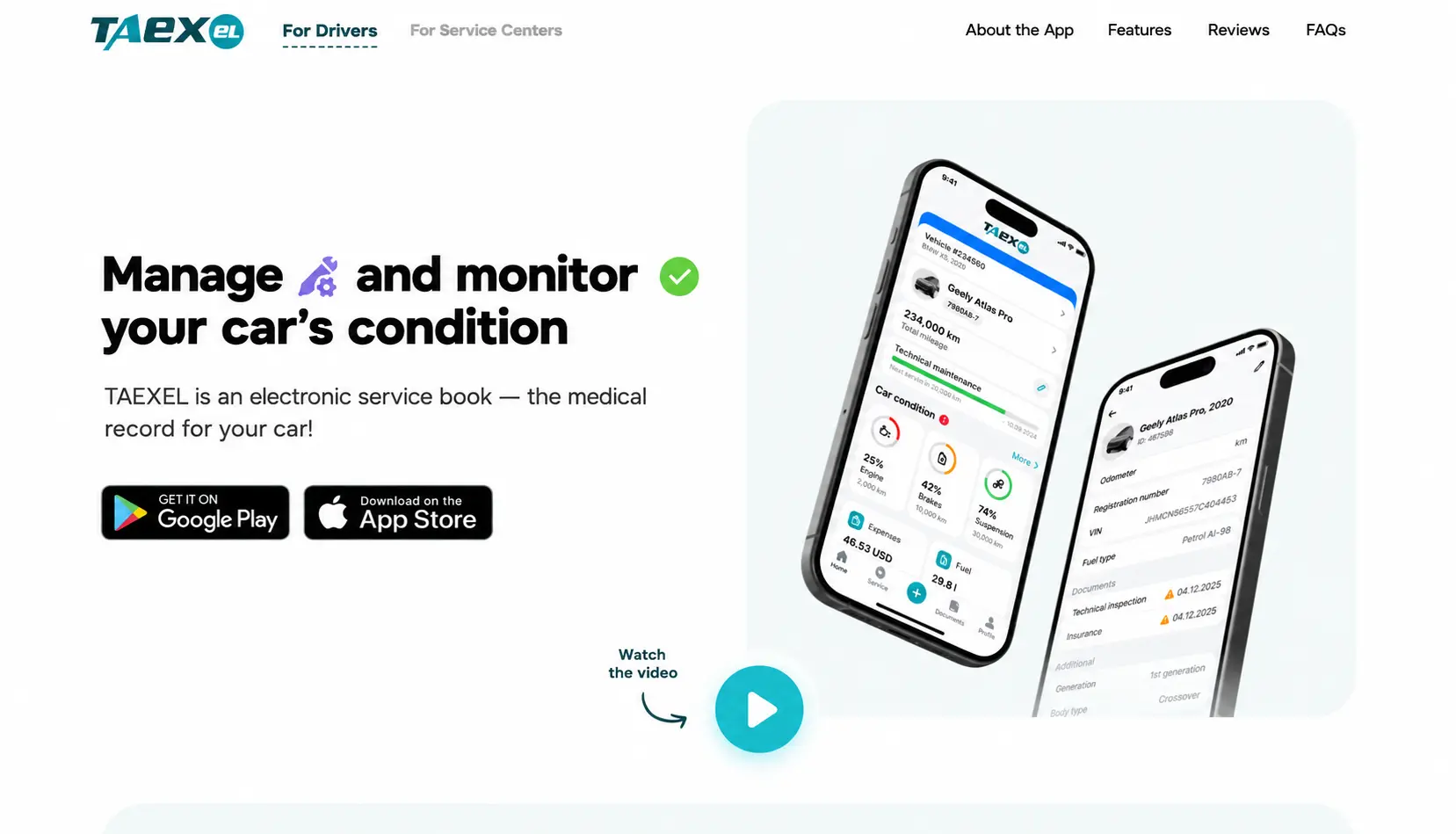
Taexel: a platform for car services and clients
A web platform that helps car services and their clients manage information, discovery, and location-based search.