Building Your First AI Agent: A Practical Guide
Introduction
Reading about agent architecture is one thing; shipping one that reliably does a real task is another. This guide walks through the practical decisions involved in building a first AI agent - from picking a scope small enough to actually finish, through tool design, the control loop, and testing - and flags the mistakes that tend to surface only once real tools and real data are involved.
If you haven't already, it's worth reading how AI agents work first - this guide assumes you're comfortable with the core loop of observe, think, act, execute, and repeat. This piece is the implementation layer on top of that.
What Is a Good First Agent Project?
The most common mistake in a first agent build is scope: picking a task that's either too open-ended to bound reliably, or too trivial to need an agent at all. A good first project has three properties:
- A narrow, well-defined goal - "summarize new support tickets and tag their priority" rather than "manage customer support."
- A small number of tools, ideally three to six, each doing one clear thing.
- A verifiable outcome - you can look at the result and know objectively whether the agent succeeded, without needing subjective judgment.
Tasks like triaging inbound messages, extracting structured data from documents, or running a fixed research-and-summarize workflow are good first projects. Tasks with ambiguous success criteria, long time horizons, or high-stakes irreversible actions are not - save those for after you've built confidence in the basic architecture, ideally after reading through the tool-use and memory concepts that underpin all of this.
Choosing a Framework vs. Building It Yourself
There are two viable starting points:
Use an existing agent framework (LangGraph, the Anthropic Agent SDK, OpenAI's Assistants/Agents tooling, CrewAI, and similar) when you want prebuilt patterns for the control loop, memory handling, and tool registration, and you're comfortable working within that framework's abstractions.
Write the loop yourself - a plain while-loop calling the model's API directly with tool definitions - when your workflow is simple enough that a framework's abstractions add more overhead than value, or when you need tight control over exactly what happens between steps (custom retry logic, specific logging, non-standard state management).
For a first project, writing the loop yourself is often the better learning path even if you plan to adopt a framework later - it makes every part of the system visible instead of hidden behind framework internals, which matters when something goes wrong and you need to know exactly where.
Step 1: Define the Tools
Start by listing the actions the agent actually needs, not the actions that seem generally useful. For a support-ticket triage agent, that might be: fetch new tickets, look up customer account details, assign a priority label, and post an internal note. Each tool needs:
- A name that unambiguously describes what it does.
- A description written for the model, stating both function and when to use it.
- A strict argument schema - typed fields, not a single freeform string.
- A return format the model can reliably parse and reason about on the next step.
tools = [
    {
        "name": "fetch_new_tickets",
        "description": "Get unprocessed support tickets from the queue. Use this first, once per run.",
        "parameters": {"limit": {"type": "integer", "default": 20}},
    },
    {
        "name": "assign_priority",
        "description": "Set the priority label on a specific ticket after it has been reviewed.",
        "parameters": {
            "ticket_id": {"type": "string"},
            "priority": {"type": "string", "enum": ["low", "medium", "high", "urgent"]},
        },
    },
]
Resist the urge to add a general-purpose "run_any_query" tool. Broad, catch-all tools are exactly what causes an agent to make unpredictable choices - the narrower and more specific each tool is, the more reliably the model picks the right one.
Step 2: Design the Control Loop
The control loop is the code that calls the model, executes whatever tool it selects, feeds the result back, and decides when to stop. At minimum it needs:
- A hard step limit, so a confused agent can't loop indefinitely.
- A clear termination signal - either a dedicated "finish" action the model can call, or a check against the task's success criteria.
- Structured logging of every action and result, for debugging after the fact.
- Error handling that feeds tool failures back to the model as information, rather than crashing the whole run.
MAX_STEPS = 12

for step in range(MAX_STEPS):
    action = call_model(system_prompt, tools, history)
    if action.name == "finish":
        break
    try:
        result = run_tool(action.name, action.arguments)
    except Exception as e:
        result = {"error": str(e)}
    history.append({"action": action, "result": result})
else:
    escalate_to_human("Step limit reached without completion")
Note the else on the for loop: if the agent never calls finish, the run is treated as a failure that needs a human, not silently abandoned.
Step 3: Handle State Without Overloading Context
For a short, bounded task, passing the full step history back to the model each turn is usually fine. As tasks grow longer, replace the raw history with a running summary updated after each step, and keep only the last one or two full tool results verbatim. This keeps the context window manageable and keeps the model focused on what's actually relevant to the next decision, rather than re-reading an ever-growing transcript.
Anything that could have changed since it was last fetched - a database row, a file, a ticket's status - should be re-queried rather than trusted from earlier in the run. Cached state is the source of a large share of agent bugs that only show up in production, once real data starts changing mid-task.
Step 4: Test With Adversarial Inputs, Not Just Happy Paths
An agent that works on the clean example you built it against will still fail in the field. Before considering a first agent "done," test it against:
- Missing or malformed data (a ticket with no customer ID attached).
- Tool failures (an API timeout or a permission error).
- Ambiguous instructions that don't map cleanly to any single tool.
- Tasks that should legitimately be declined or escalated rather than attempted.
Watching how the agent behaves in these cases tells you far more about its reliability than another run of the easy case.
Common Mistakes
- Starting with too broad a task. Scope down further than feels necessary for a first build.
- Skipping the step limit. Even a well-designed agent can get stuck; always cap it.
- One giant tool instead of several small ones. Narrow tools produce more predictable agent behavior than a single flexible one.
- No escalation path. Every agent needs a defined "hand this to a human" outcome, not just success and silent failure.
- Testing only the happy path. Most real-world failures come from malformed input or tool errors, not from the model reasoning badly on clean data.
Practical Checklist
- Scope the task narrowly enough to have an objectively verifiable outcome.
- Define three to six tools with strict schemas and specific, non-overlapping descriptions.
- Implement a hard step limit and an explicit termination or escalation path.
- Summarize history instead of accumulating a full raw transcript for longer tasks.
- Re-fetch state that could have changed rather than trusting cached values.
- Test against malformed input, tool failures, and ambiguous instructions before calling it done.
Conclusion
A first AI agent succeeds or fails on scope and structure more than on model choice. Pick a narrow, verifiable task, keep the tool set small and specific, build a control loop with a real termination condition, and test it against the messy cases it will actually encounter. Once that foundation is solid, expanding into longer-running or higher-stakes agent work is a matter of degree, not a different discipline.
Services
Not sure where to start? Tell me what you want the product to do.
Related work

Teamlex AI: an AI SEO platform
An AI SEO platform for understanding search intent, analyzing competitors, and creating optimized content.
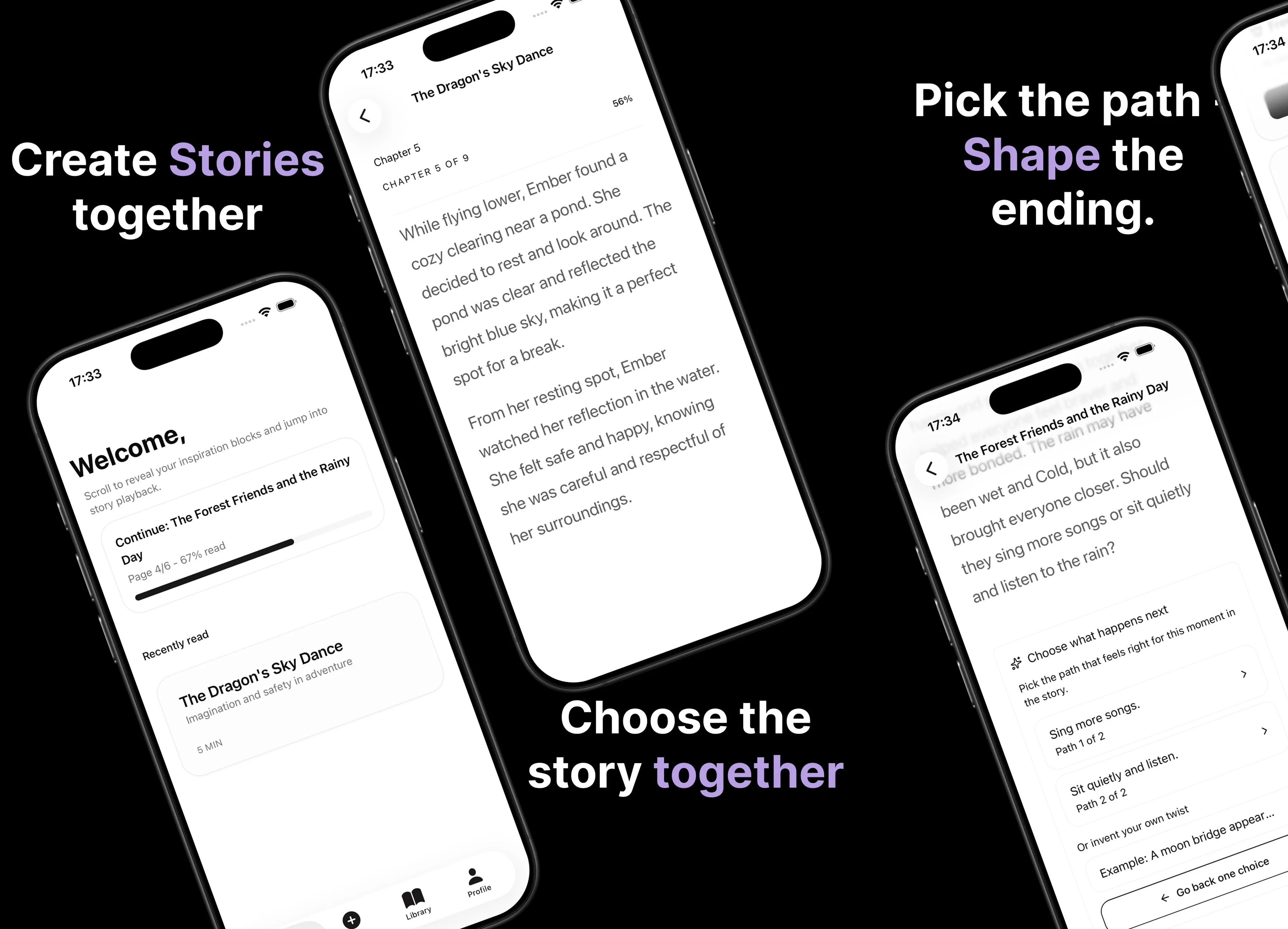
Parent AI Stories: personalized bedtime stories
A mobile product that helps parents create personalized bedtime stories for children in minutes.