How Much Does AI Automation Cost for a Small Business in 2026?
Most small businesses that look into AI automation get stuck on the same question: what will this actually cost each month? The honest answer is that it depends less on the AI model than on three things: which platform runs the workflows, how many times those workflows fire, and how much custom work sits behind them. This guide breaks the cost into those layers, explains how the main platforms count usage, and shows how to start with a budget you can control.
The short answer
For a small business running a handful of automations, the software cost is usually modest. The larger and less predictable costs tend to be the one-time build, the AI model usage when workflows call an LLM, and ongoing maintenance when the tools behind the workflows change. A realistic budget therefore has three lines: the automation platform, AI usage, and the build plus upkeep. Teams that only budget for the first line are the ones who get surprised.
The three cost layers
1. The automation platform. This is the layer most people picture: a subscription to a tool such as Zapier, Make, or n8n that connects your apps and runs the workflows. Plans are tiered by volume and features, and the entry tiers are often inexpensive. Check each vendor's pricing page directly before deciding, since plans and limits change often and comparison posts online frequently disagree with each other.
2. AI usage. When a workflow asks a model to classify an email, extract fields from a PDF, or draft a reply, you pay for those model calls on top of the platform fee. Usage is typically billed per token. One call is cheap, but a workflow that runs thousands of times a month with long inputs can become a real line item, so it helps to estimate volume before you launch.
3. Build and maintenance. Someone has to design the workflows, connect the systems, handle errors, and test the outputs. A simple two-step automation between two SaaS tools can be configured in an afternoon. A workflow that reads incoming support requests, checks an order system, applies business rules, and drafts a response needs far more design work, testing, and monitoring. Maintenance then continues as APIs change, data formats shift, and the business changes its process.
How platforms count usage
The way a platform counts usage matters as much as the price. Two platforms with similar monthly prices can produce very different bills for the same workflow.
- Zapier charges by task. Each action in a workflow that runs counts as a task, so longer workflows consume more of your plan.
- Make charges by operation or credit. Each module that processes data counts, and a workflow that needs extra steps for shaping data can use more operations than the equivalent in another tool.
- n8n charges by execution. A workflow that runs once is one execution regardless of how many nodes it contains, which makes multi-step workflows cheaper to run at volume. Self-hosting removes the platform subscription but moves hosting and maintenance onto your team or your developers.
The practical takeaway: estimate the number of runs per month and the number of steps per run, then compare each vendor's counting model against that estimate. Do not compare headline prices alone.
What drives the cost up
Several factors push a bill up faster than expected:
- Volume. A workflow that fires on every incoming email is far more expensive than one that runs once a day on a batch.
- Steps and branches. Conditional logic and loops multiply the work a platform counts.
- Long inputs to the model. Sending a whole email thread or a full PDF to a model costs more than sending a short extracted summary. Trimming inputs is often the cheapest optimization available.
- Retries and errors. A workflow that fails and retries repeatedly can burn through its allowance without producing value. Good error handling and alerts keep that under control.
- Premium connectors. Some apps and enterprise features sit behind higher-priced tiers.
- Compliance requirements. Where data may or may not pass through a third-party platform, you may need a plan or deployment option that fits your data rules, which can change the price.
A realistic way to start
The most common mistake is trying to automate the whole business at once. A better approach is to start with one process that is repetitive, well-defined, and measurable.
- Pick one workflow. Choose a task that runs often, follows clear rules, and already has a known cost in staff time. Good first candidates include lead intake, invoice data entry, or sorting routine support requests. Our guide on how to automate repetitive business tasks with AI covers how to pick them.
- Estimate volume and cost per run. Count runs per month, steps per run, and any model calls with their approximate input size. Multiply through to get a monthly range, then add a margin for retries.
- Run a pilot with a human check. Let the workflow draft outputs while a person approves them. Measure accuracy and time saved before removing the review step.
- Set a spending cap and alerts. Most platforms and model providers let you cap usage. Set one before the workflow goes live.
- Decide whether to build custom. If the workflow needs complex logic, sensitive data handling, or integration with systems no platform supports, a custom build may cost less over time than stacking workarounds. Our article on build vs buy for internal business tools walks through that decision.
When a custom build makes sense
Off-the-shelf platforms are the right answer for many small-business workflows. A custom build becomes worth considering when the process is central to how the business earns or operates, when the logic is too specific for connectors, when you need tighter control over data, or when per-run costs on a platform grow faster than the value the workflow produces. Custom work also means you own the testing and monitoring, so the first build should include evaluation against real examples before the workflow handles live work. Our guide on how to test and evaluate LLM outputs before shipping covers that step.
If you are weighing a custom agent rather than a platform workflow, the cost structure is different. See AI agent development cost in 2026 for how build, runtime, and maintenance costs compare.
Costs teams usually forget
- Time spent reviewing outputs during the pilot, which is real work even when the software is cheap
- Changes needed when a connected app updates its API or changes a field name
- Re-testing after the business changes its process or pricing rules
- Monitoring time, including checking logs for failed runs
- Model price changes, which can move your AI usage line over time
Budgeting in practice
A sensible starting budget for a small business has three parts: a platform plan sized to your estimated monthly runs with headroom, a model usage cap set at a level you can absorb, and a reserved amount for setup and ongoing fixes. Review the actual numbers after the first month and adjust. Most of the surprises come from underestimating volume or input size, so measure both early.
If you want help estimating a specific workflow, the most useful inputs are the process you want to automate, how often it runs, what systems it touches, and what a mistake would cost. With those, the platform-versus-custom decision and a realistic budget are usually clear within a short scoping conversation.
Services
Not sure where to start? Tell me what you want the product to do.
Related work
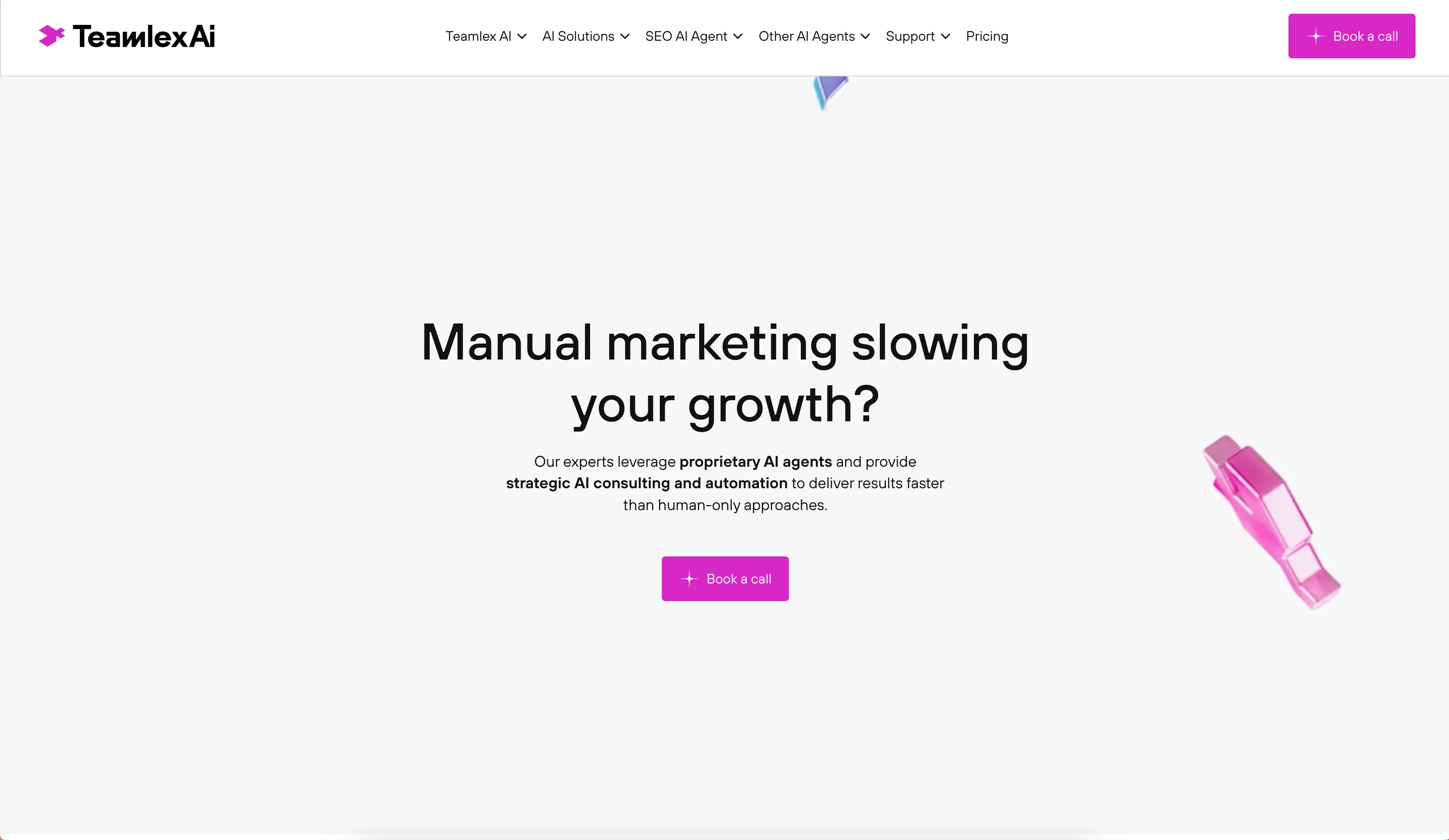
Teamlex AI: an AI SEO platform
An AI SEO platform for understanding search intent, analyzing competitors, and creating optimized content.
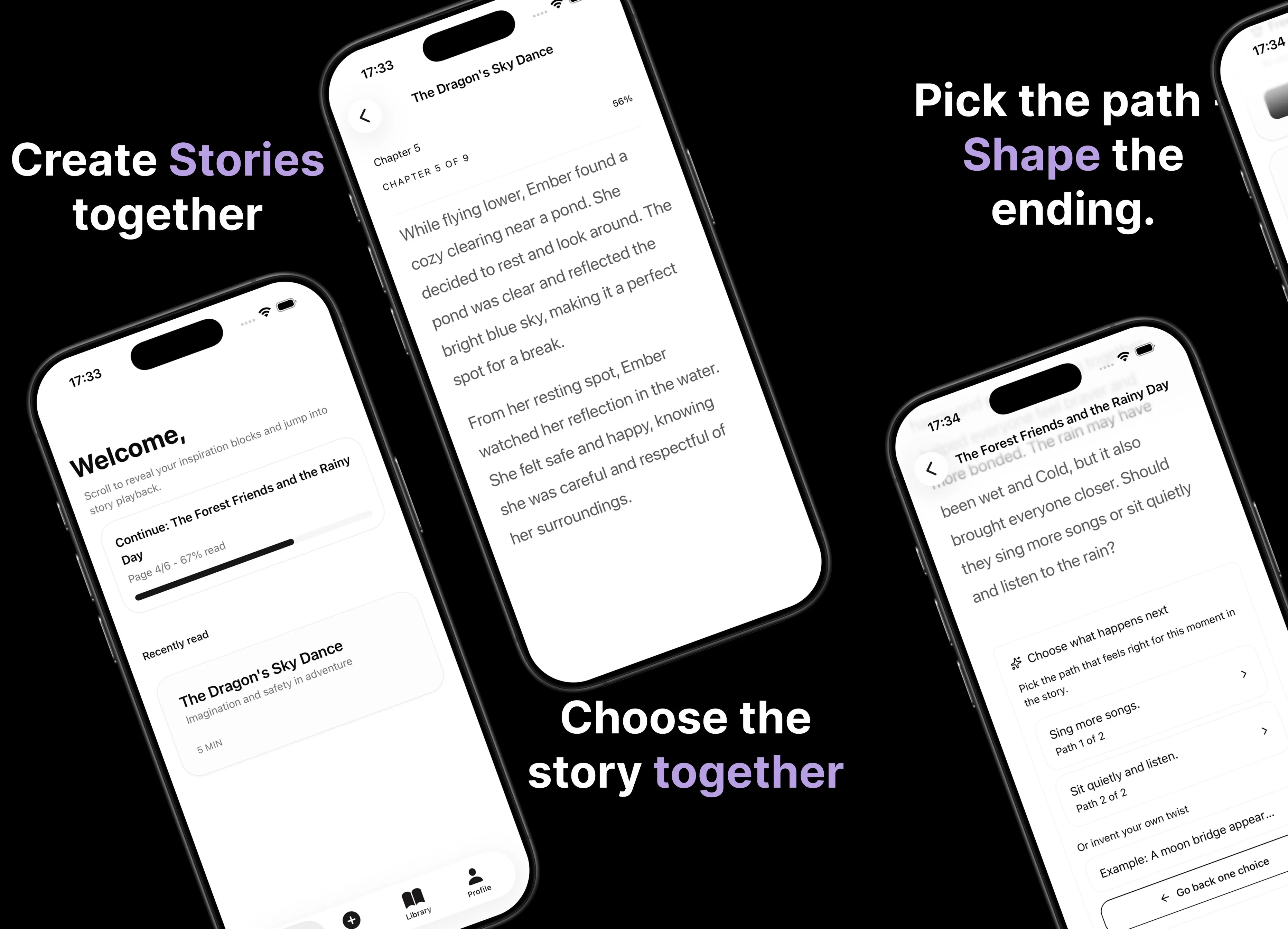
Parent AI Stories: personalized bedtime stories
A mobile product that helps parents create personalized bedtime stories for children in minutes.