What Is RAG (Retrieval-Augmented Generation)? How It Works
Introduction
Ask a large language model about your company's refund policy, last week's product release, or a document that was never part of its training data, and it will either admit it doesn't know or, worse, guess convincingly. Retrieval-augmented generation (RAG) exists to fix exactly this problem. Instead of relying only on what a model memorized during training, RAG fetches relevant information from an external source at the moment of the question and hands it to the model as context before it writes an answer.
This article explains what RAG actually is, how the pipeline works end to end, and when it's the right tool versus overkill. If you're deciding whether to build a RAG system or just want to understand what your engineering team is talking about, this is the foundational piece.
What is RAG?
RAG is an architecture pattern, not a single product or library. It combines two components that are normally separate: a retrieval system that searches a knowledge base for relevant content, and a generative model that turns that content into a natural-language answer.
The core idea is simple. A language model's knowledge is frozen at training time and limited to what it saw during that process. It has no access to your internal wikis, your support tickets, your codebase, or anything published after its cutoff. RAG closes that gap by searching a separate, up-to-date knowledge store - documents, tickets, code, policies - and injecting the most relevant pieces directly into the prompt. The model then answers using that supplied context instead of guessing from memory.
This matters for two reasons. First, it reduces hallucination, because the model is grounding its answer in text it was actually given rather than reconstructing facts from training data. Second, it lets you update the system's "knowledge" by updating a database, not by retraining or fine-tuning a model - which is far cheaper and faster when your underlying information changes often, such as pricing, policies, or release notes.
How the RAG pipeline works
A typical RAG system has four stages.
1. Ingestion and chunking. Source documents - PDFs, wiki pages, tickets, code - are broken into smaller pieces, or "chunks," usually a few hundred tokens each. Chunking matters more than people expect: chunks that are too large dilute relevance and waste context budget, while chunks that are too small lose surrounding meaning. A common, reliable starting point is chunking by paragraph or section with a modest overlap between chunks, then storing the parent section alongside each chunk so the retriever can return a small precise piece but the generator can see the fuller context around it.
2. Embedding and indexing. Each chunk is converted into a vector - a numerical representation of its meaning - using an embedding model. These vectors are stored in a vector database or a vector index inside a traditional database, using approximate nearest-neighbor structures (HNSW is the most widely used) so that searching millions of chunks stays fast.
3. Retrieval. When a user asks a question, the question itself is embedded, and the system searches for the chunks whose vectors are closest in meaning. Pure vector similarity search - often called "dense retrieval" - works well for conceptual questions but can miss exact keyword matches, like a product code or an error string. That's why most production systems in 2026 default to hybrid retrieval: combining dense vector search with traditional keyword search (like BM25), then optionally reranking the combined results with a smaller, more precise model before handing the top few chunks to the generator.
4. Generation. The retrieved chunks are inserted into the prompt alongside the user's question, and the LLM generates an answer grounded in that supplied text. Well-designed systems also ask the model to cite which chunk supported which claim, which both improves trust and gives you a debugging trail when the answer is wrong.
For context, this is the same underlying idea used by tools like MCP, which standardizes how a model requests external data - RAG is one specific pattern for what happens once that data is fetched.
When RAG is the right choice - and when it isn't
RAG isn't always the answer, and it's worth being honest about that before you build one. Modern context windows now reach into the millions of tokens, so for a small, fixed set of documents that fits comfortably in context, simply pasting the whole thing into the prompt can outperform a RAG pipeline on accuracy, at the cost of higher token spend per request. RAG earns its complexity when your knowledge base is large, changes frequently, or needs to stay currently accurate without retraining a model - think product documentation, support histories, internal policies, or codebases too large to fit in any context window.
A useful rule of thumb: if the answer lives in a single document and rarely changes, long context or even a simple lookup might be simpler and cheaper. If the answer could come from any of thousands of documents that are updated weekly, RAG is very likely the right shape.
Common mistakes
Treating RAG as "index everything, done." Teams that drop PDFs into a vector database, wire up a basic similarity search, and assume hallucinations will disappear are usually disappointed. Retrieval quality is the actual bottleneck in most weak RAG systems - the generation model is rarely the problem.
Skipping evaluation entirely. Without a way to measure whether the right chunks were retrieved, you can't tell whether a bad answer is a retrieval failure or a generation failure. Track retrieval accuracy (recall@k, precision@k) separately from answer quality (groundedness, correctness) from the start, even with a small hand-built test set.
Using vector search alone. Pure semantic search struggles with exact terms - product SKUs, error codes, names. Hybrid retrieval that blends keyword and vector search closes this gap and is the sensible default, not an advanced optimization.
Ignoring chunk boundaries. Splitting a document at arbitrary character counts can cut a table or a key sentence in half, silently destroying retrieval quality. Chunk along natural document structure - headings, paragraphs, sections - wherever possible.
No citation or provenance. If the model's answer doesn't reference which retrieved chunk it came from, you lose the ability to audit wrong answers and users lose a reason to trust the output.
Practical checklist
- Define what "knowledge" your system needs access to, and how often it changes
- Chunk source documents along natural boundaries, not fixed character counts
- Store parent context alongside small chunks for precise retrieval with full context
- Use hybrid retrieval (keyword + vector) rather than vector search alone
- Add a reranking step before generation if retrieval precision matters
- Build a small evaluation set with known correct answers before shipping
- Track retrieval and generation quality as separate metrics
- Have the model cite the source chunk for each claim it makes
Conclusion
RAG is not a single library you install - it's an architecture built from ingestion, retrieval, and generation working together, and the quality of the whole system depends almost entirely on how well the retrieval half is designed. Understanding the pipeline - chunking, embedding, hybrid search, reranking, and grounded generation - is the first step toward building something that actually reduces hallucination instead of just adding a vector database for its own sake. The next step is turning this architecture into a working, evaluated pipeline, which is what we cover in the companion guide on building a production RAG pipeline.
Services
Not sure where to start? Tell me what you want the product to do.
Related work

Teamlex AI: an AI SEO platform
An AI SEO platform for understanding search intent, analyzing competitors, and creating optimized content.
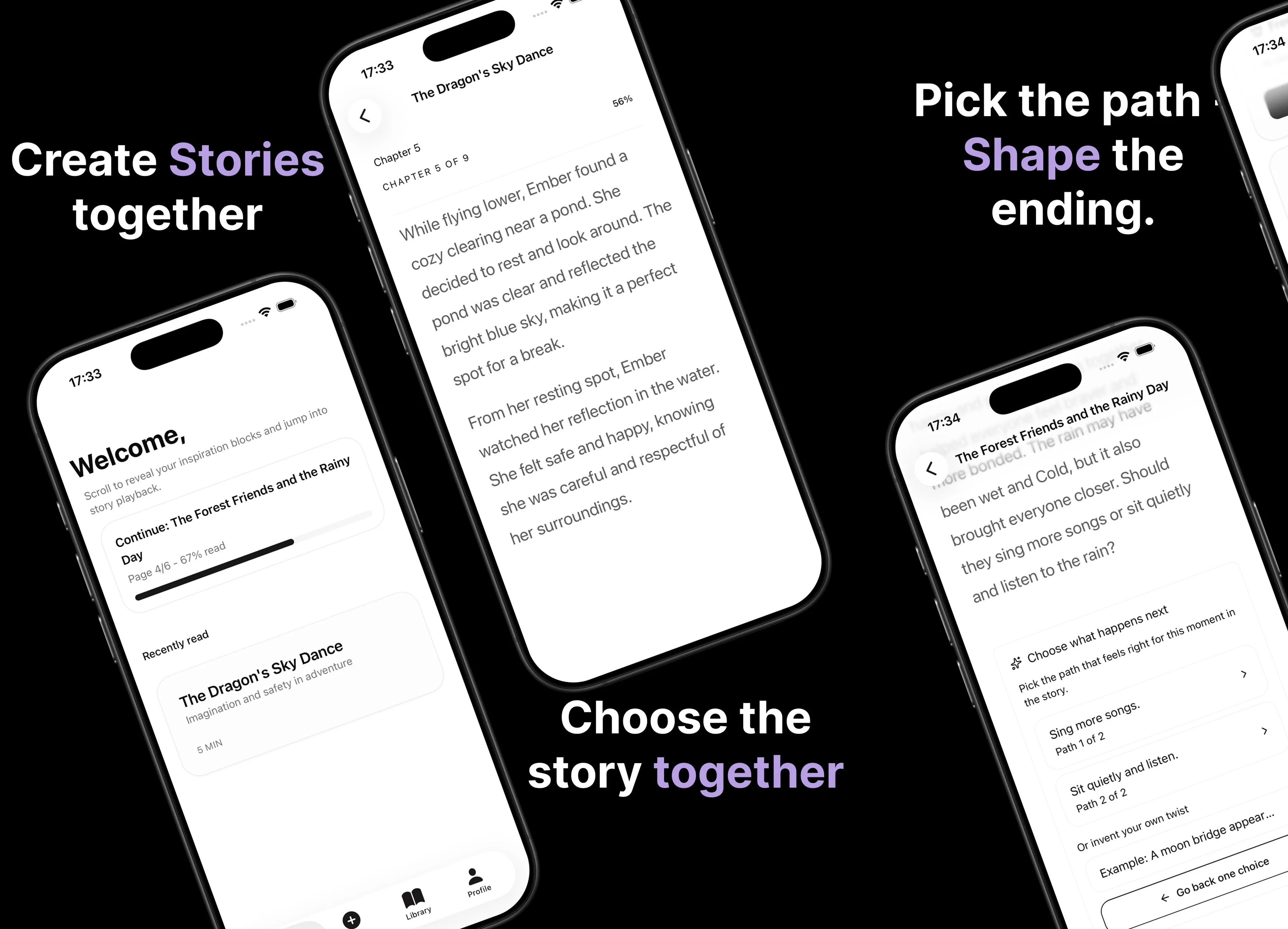
Parent AI Stories: personalized bedtime stories
A mobile product that helps parents create personalized bedtime stories for children in minutes.