Zapier vs Make vs n8n vs Custom Code: Which to Use for AI Automation
Use Zapier or Make when the automation is a short chain of app-to-app steps with one or two AI calls, and the people maintaining it are not engineers. Use n8n when you need more control, branching and data handling, and someone on the team is comfortable running or at least debugging a workflow engine. Use custom code when the automation is core to your product, handles sensitive data, needs real testing, or has outgrown the visual builder.
Most businesses should start with one of the first three and move to code only when a specific limit starts costing them. The rest of this guide explains how to tell which limit you are hitting.
What you are actually choosing between
These four options solve the same problem at different points on a control-versus-convenience scale.
- Zapier is the most hosted, most app-connected option. You build workflows ("Zaps") in a visual editor and it handles hosting, retries and authentication for thousands of apps.
- Make is also a hosted visual builder, but it shows the whole scenario as a diagram and gives you more control over data transformation, routing and iteration than Zapier does.
- n8n is a workflow engine you can use as a hosted service or run yourself. It is closer to a developer tool: you can write code inside nodes, call any API, and keep data on your own infrastructure.
- Custom code means your own service (for example TypeScript on Node.js or Python with FastAPI), a queue, a database and deployment you control. You own everything and build everything.
None of these is "the AI option". All of them can call an LLM. The differences that matter for AI work are how they bill, how much you can control a model call, and how you test and monitor what happens.
How each option bills (and why it matters for AI)
AI automation changes the cost math because workflows get longer and run more often. Billing models reward or punish that in different ways. Prices change often, so check each vendor's pricing page for current numbers; the structure is what you need to understand first.
Zapier bills per task. A task is generally a successful action step in a workflow, so a five-step Zap that runs 1,000 times uses many more tasks than a one-step Zap. Filters, paths and formatting steps are treated differently from action steps, and AI steps can count as more than one task depending on the model tier. If you go over your allowance, paid plans can keep running and bill the overflow at a higher per-task rate.
Make bills per credit. Make renamed its billing unit from operations to credits. In the simple case, each module that runs uses credits, so long scenarios with loops and iterators add up. For AI, it depends on the connection: with Make's own AI provider, credits reflect tokens as well as operations. If you connect your own OpenAI or Anthropic key, you pay Make credits for the operations and the model provider directly for tokens.
n8n bills per execution. On n8n's cloud plans, an execution is one run of a whole workflow, regardless of how many steps it contains. A 3-step workflow and a 40-step workflow count the same. That makes long, branching AI workflows comparatively cheap on volume. The self-hosted Community Edition is free to run, but you pay for the server and you are the one keeping it patched, backed up and monitored. n8n is source-available under its own license, so read the terms if you plan to resell or embed it in a product.
Custom code bills in engineering time. There is no per-task fee, but there is an upfront build cost and an ongoing maintenance cost. Your running cost is hosting plus model tokens. If you want a sense of how that maintenance burden is usually budgeted, see our guide to software maintenance costs after launch.
One cost sits outside all four: model tokens. Whatever tool you pick, you pay for the LLM calls, and a workflow that sends long documents to a large model on every run will cost more than the platform fee. Our guide to reducing LLM API costs covers model right-sizing, caching and retry behavior that apply no matter where the call is made.
Where each option works best
Zapier: fast to ship, easiest to hand to non-engineers
Zapier is a good fit when:
- the workflow is a straight line: trigger, a couple of actions, maybe one AI step
- the apps involved already have solid Zapier integrations
- the person who will maintain it is an operations or marketing lead, not an engineer
- speed to a working version matters more than elegance
Typical examples: summarizing inbound form submissions into a CRM note, categorizing support emails and routing them to the right queue, drafting a first reply for a human to review.
It starts to strain when you need loops over large lists, complex conditional logic, custom retry behavior, or careful handling of the model's output. Long workflows also become expensive in task terms.
Make: more control over data and branching
Make suits workflows that are more complicated than a line but still do not need custom code. Its visual scenario view makes routing, iteration over arrays and data mapping easier to see and edit than a long Zap.
It is a reasonable middle ground when a technically minded operator will own the automation and wants more control than Zapier gives. The tradeoff is that complex scenarios can get hard to read, and credit usage grows with every module and every loop iteration, so you need to estimate usage before you scale it.
n8n: the developer-friendly workflow engine
n8n is the strongest of the three when AI is central to the workflow. You can write code in a node when the visual blocks are not enough, call arbitrary APIs, build multi-step flows with branching and error handling, and run it on your own infrastructure if data residency or privacy requires that.
Choose it when:
- the workflow has many steps and branches, and per-step pricing would hurt
- you want data to stay on infrastructure you control
- someone technical can own it, including upgrades, backups and monitoring if self-hosted
The cost of that control is operational responsibility. Self-hosting an automation engine that touches production systems is real infrastructure work, not a one-time setup.
Custom code: when the automation is the product
Write code when any of these are true:
- The AI behavior is part of your product. Customers see it, depend on it, and judge you by it.
- You need real testing. Visual builders make it awkward to run an evaluation set against a prompt change before it ships. In code you can run hundreds of test cases in CI. See our guide to testing and evaluating LLM outputs before shipping.
- Data is sensitive or regulated. You need tight control over what leaves your systems, what is logged, and who can see it.
- Volume or latency requirements are high. Per-run platform pricing and shared infrastructure stop making sense.
- The logic is deeply specific to your business. If you keep fighting the visual editor to express a rule, code is the cheaper tool.
Here is the kind of thing that is easy in code and awkward in a visual builder: validating a model's output against a schema before anything downstream acts on it.
import { z } from "zod";

const TicketTriage = z.object({
  category: z.enum(["billing", "bug", "feature_request", "other"]),
  urgency: z.enum(["low", "normal", "high"]),
  needsHuman: z.boolean(),
});

async function triageTicket(text: string) {
  for (let attempt = 0; attempt < 2; attempt++) {
    const raw = await callModel({ prompt: buildTriagePrompt(text) });
    const parsed = TicketTriage.safeParse(safeJson(raw));
    if (parsed.success) return parsed.data;
  }
  // Never guess. Escalate instead of acting on unvalidated output.
  return { category: "other", urgency: "normal", needsHuman: true } as const;
}
The point is not the specific library. It is that a custom service lets you enforce a contract on the model's output, retry once, and fall back safely. You can approximate this in a visual builder, but it is harder to test and easier to break silently.
A simple decision rule
Ask these questions in order.
- Is this workflow core to your product or touching regulated or very sensitive data? If yes, plan for custom code, even if you prototype elsewhere first.
- Is it a short chain of app-to-app steps with a non-technical owner? Start with Zapier.
- Does it need loops, branching or heavier data handling, with a semi-technical owner? Look at Make or n8n.
- Do you want to keep data on your own infrastructure, or run very long workflows cheaply? Look at n8n.
- Can you describe the cost of a wrong output? If a bad AI result is expensive (wrong refund, wrong email to a customer, wrong record update), add a human approval step regardless of the tool.
If two answers conflict, the higher-numbered risk wins. A cheap, quick tool is the wrong choice for a workflow whose failures are costly.
When to move from no-code to custom code
Prototyping in a visual tool is often the right first move. It lets you check that the automation is valuable before you pay for engineering. The signals that it is time to move are practical, not philosophical:
- You are spending more time working around the tool than improving the automation.
- Platform fees, or the number of steps and runs, now exceed what a small custom service would cost to run.
- You cannot test changes safely, and prompt edits have broken things in production.
- You need audit logs, access control or data handling the platform cannot give you.
- The workflow now has its own users and has become a product feature.
When you reach that point, do not rebuild everything. Move the one or two highest-value or highest-risk workflows into code first and leave the low-risk glue in the visual tool. This is the same logic as build versus buy for internal business tools: buy the commodity parts, build the parts that differentiate or carry risk.
Common mistakes
- Choosing by feature list instead of by owner. The best tool is the one the person maintaining it can actually operate six months from now.
- Ignoring token costs. The platform fee is often smaller than the model bill once workflows run at volume.
- No human in the loop for consequential actions. Auto-sending emails or changing records on unvalidated model output is where most automation incidents come from.
- Building a sprawling visual workflow nobody can read. If a scenario needs a diagram to explain the diagram, it is a candidate for code.
- Skipping monitoring. Whatever tool you use, log inputs, outputs, failures and cost per run.
Where to start
If you are unsure, pick one workflow that is frequent, low-risk and clearly defined, and build it in the simplest tool that can do it. Before you commit, run the numbers: our guide to calculating the ROI of AI automation before you build it shows how to estimate savings, review time and running costs. Then measure how much time or money the automation actually saves and how often it fails. That evidence will tell you whether to stay put, switch tools, or invest in a custom build. For a view of what the whole thing typically costs, read how much AI automation costs a small business.
If your automation has reached the point where it needs to be reliable, tested and integrated with your product, that is the work our AI development team does: we build custom AI automations and agents in TypeScript and Python, with evaluation and monitoring included. If you would rather talk through which route fits your case, get in touch and we will give you an honest recommendation, including when the answer is "stay on Zapier."
Services
Not sure where to start? Tell me what you want the product to do.
Related work
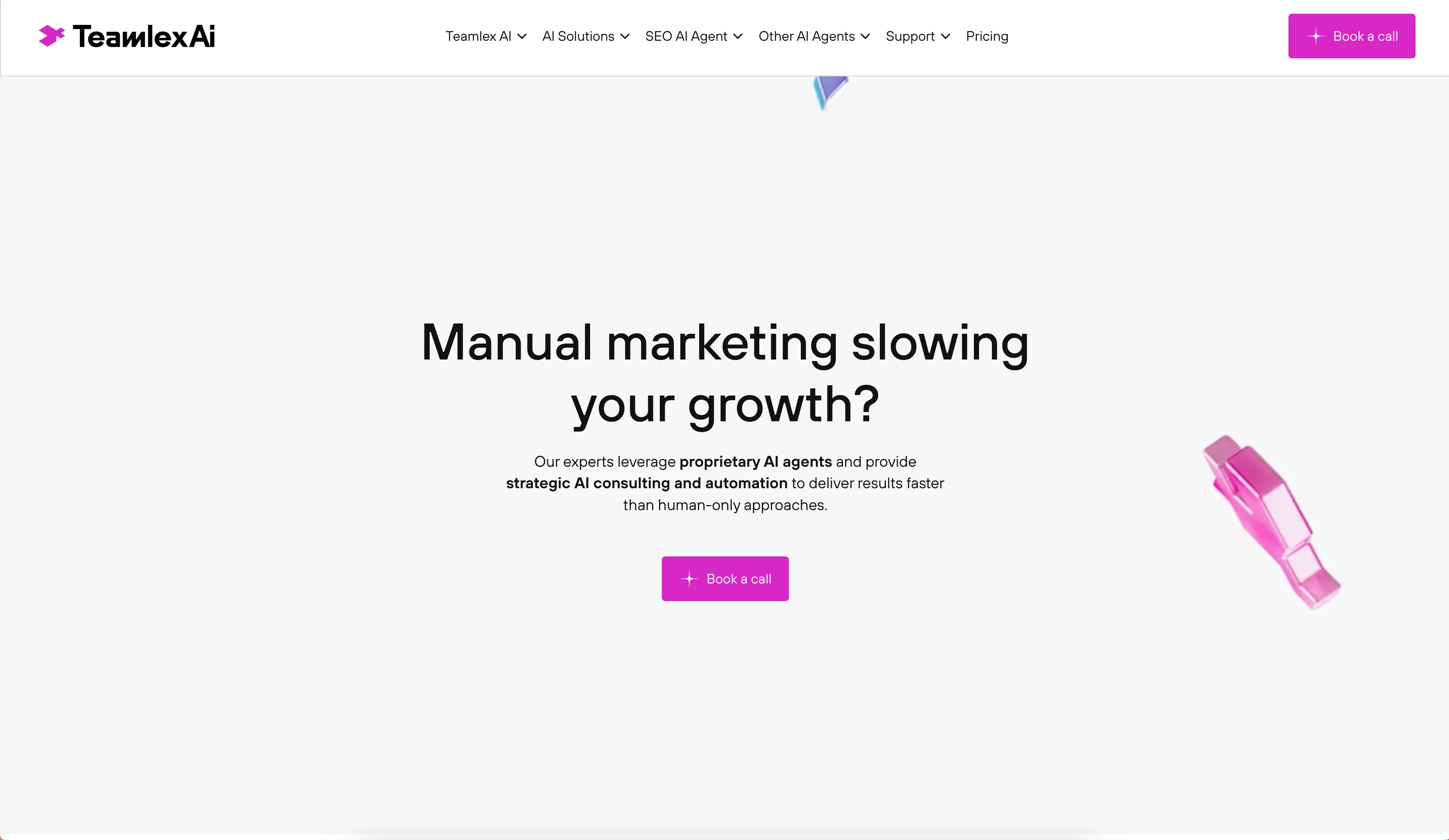
Teamlex AI: an AI SEO platform
An AI SEO platform for understanding search intent, analyzing competitors, and creating optimized content.
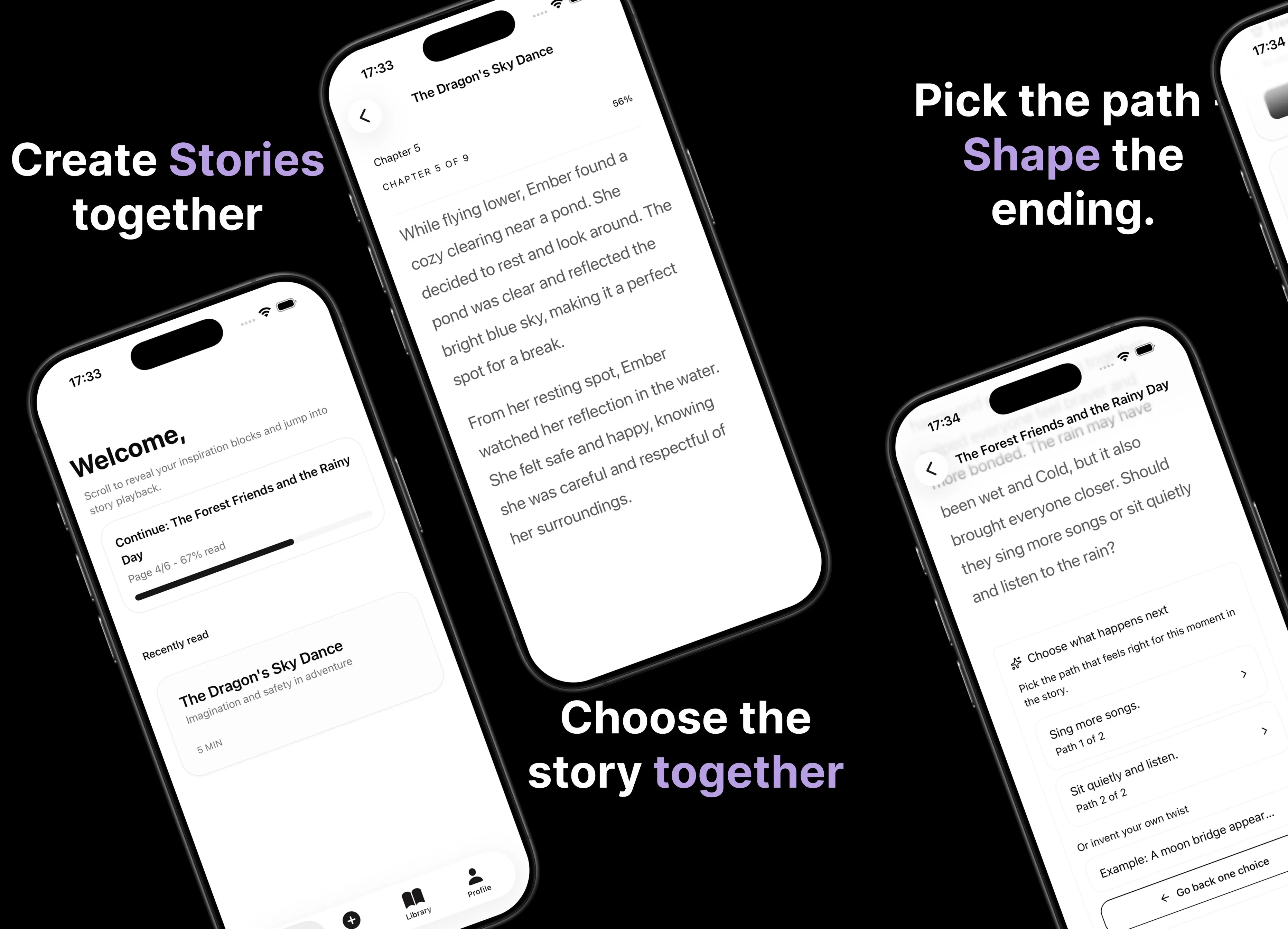
Parent AI Stories: personalized bedtime stories
A mobile product that helps parents create personalized bedtime stories for children in minutes.