How Much Does It Cost to Build a Custom AI Chatbot in 2026?
A custom AI chatbot for a business typically costs about $5,000 to $15,000 for a narrow bot that answers questions from a small, clean knowledge base, $20,000 to $60,000 for a production chatbot with retrieval over company data, a few integrations, and handoff to human staff, and $75,000 or more for a multi-channel, multi-language, or compliance-heavy system that takes actions on behalf of customers. After launch, expect monthly running costs for model usage, hosting, monitoring, and content upkeep. These are planning ranges, not quotes. Scope, data quality, and the number of systems the bot touches move the number far more than the choice of model.
The rest of this article explains what drives the price, what the bot costs to run, what teams forget to budget for, and how to scope a first version so you learn the real cost before committing to the full build.
Cost by type of chatbot
Most projects fall into one of three shapes. Knowing which one you are actually buying is the fastest way to a realistic budget.
- FAQ and knowledge-base bot ($5,000 to $15,000). Answers questions from a defined set of documents, such as a help center or product manual. One channel, usually a web widget. No account lookups and no actions. The work is mostly ingesting content, tuning retrieval, writing the instructions, and testing.
- Support or sales assistant with integrations ($20,000 to $60,000). Retrieves from larger and messier content, reads data from your helpdesk, CRM, or order system, and hands conversations to a human with context. Needs authentication, logging, an evaluation set, and a review workflow.
- Transactional or regulated chatbot ($75,000 and up). Performs actions such as changing a booking, issuing a refund, or updating an account. May run across several channels and languages, and may need audit trails, data residency, or sign-off from legal and security teams. At this level the chatbot is a product with its own roadmap.
If you are also considering broader automation beyond conversation, the budgeting logic in our guide to AI agent development costs applies directly, because a chatbot that takes actions is an agent.
What drives the price
Knowledge and data. The model is rarely the hard part. The hard part is getting your content into a shape the bot can use: documents spread across a wiki, PDFs, old tickets, and spreadsheets, with duplicates and out-of-date answers. Cleaning, structuring, and deciding what the bot is allowed to say is real work. If different users may see different information, you also need permission-aware retrieval, which adds design and testing time.
Answers versus actions. A bot that only answers can be wrong, but the damage is limited. A bot that can issue refunds, cancel orders, or change records can be wrong in expensive ways. Each action needs authorization checks, confirmation steps, rate limits, and a way to undo mistakes. This is usually the single biggest jump in cost between tiers.
Integrations. Every system the bot reads from or writes to needs authentication, error handling, retries, and tests for when the other system is slow or down. A helpdesk handoff that passes the full conversation and a short summary to the agent is more work than a link to a contact form, and it is also what makes the bot actually useful to your support team.
Channels. A website widget is the simplest. Adding WhatsApp, Slack, Microsoft Teams, email, or voice means different message formats, identity handling, and platform rules. Each channel is its own small project.
Languages. Modern models handle many languages, but your content, your evaluation set, and your tone guidelines all have to be checked in each one. Budget testing time per language rather than assuming the bot behaves the same everywhere.
Quality bar and evaluation. A demo that works on ten questions is cheap. A bot you trust on thousands of real conversations needs an evaluation set built from actual customer questions, scoring for correctness and for correct escalation, and a way to re-run it whenever the prompt, model, or content changes. We cover the method in how to test and evaluate LLM outputs before shipping. Skipping this step lowers the build quote and raises the cost of every incident afterward.
Security and compliance. Customer conversations contain personal data. Redaction in logs, access controls, retention rules, and protection against prompt injection all take engineering time. Regulated industries add review cycles on top.
What a chatbot costs to run
Running costs are the part most first estimates leave out, and they scale with usage.
Model usage. Cost per conversation depends on how many turns it has, how much text you send on each turn, and how much the model writes back. Retrieval makes the input larger because you send the retrieved passages along with the question and the conversation history. A simple way to estimate it: suppose an average conversation has six turns, and each turn sends about 3,000 tokens of instructions, retrieved passages, and history while the model returns about 300 tokens. That is roughly 18,000 input tokens and 1,800 output tokens per conversation. Multiply those by your provider's current prices, then by your monthly conversation volume. The assumptions are placeholders; replace them with measurements from a pilot.
Retrieval infrastructure. A vector database or search index, embeddings for new content, and the compute that refreshes them. For most business chatbots this is small compared with model usage, but it grows with content volume.
Monitoring. You need to see conversations, failures, escalations, latency, and cost per conversation. We describe what to track in LLM observability for production AI systems.
Maintenance. Your products, policies, and prices change. Someone has to update the knowledge base, re-run the evaluation set, and adjust prompts when behavior drifts. Model providers also retire and replace models, which means periodic migration and retesting. A common planning assumption is to reserve a meaningful fraction of the build cost each year for this, and more if the bot connects to fast-changing systems.
The costs teams forget
- Content ownership. The bot is only as good as the documents behind it. If nobody owns keeping them current, answer quality decays within months.
- Human handoff staffing. A chatbot that escalates well still creates work for people. Plan for who receives escalations, in what hours, and with what service level.
- Internal time. Subject-matter experts have to review answers, write the first evaluation questions, and sign off on tone. That time is real even though it does not appear on the vendor invoice.
- Legal and security review. Privacy notices, data processing agreements, and vendor assessments can take longer than the build itself.
- Analytics and iteration. Launch is the beginning of learning. Budget for reviewing conversations and improving the bot for at least the first few months.
Build custom or use a platform
Chatbot platforms can be the right answer when your needs are standard: a help-center bot, a handful of integrations, and no unusual data rules. Custom development earns its cost when the bot has to work with your own systems and permissions, perform actions, meet specific compliance requirements, or sit inside your product rather than next to it. We lay out the decision in custom AI versus off-the-shelf AI. A common path is to start with a platform to learn what customers actually ask, then build custom where the platform limits you.
How to get an estimate you can trust
- Collect real questions. Pull a few hundred recent tickets, chats, or emails. The top twenty question types usually account for most of the volume and define the first version.
- Define success in numbers you can measure. For example, the share of conversations resolved without a human and rated correct on review, not just the share the bot answered.
- List the systems and actions. For each, note whether an API exists, who controls access, and whether the action is read-only or changes data.
- Phase the work. A good first phase is an answer-only pilot on one channel with human handoff. It is small enough to ship in weeks and tells you the real retrieval quality, conversation volume, and cost per conversation.
- Compare quotes on what they include. Check whether each includes evaluation, monitoring, security work, and post-launch support, or only the initial build.
If you plan to hire outside help, our guide on how to hire an AI development team covers what to ask and which red flags to watch for.
Ways to keep the cost down
Use a smaller model for routine questions and a stronger one only where it matters, cache repeated work, trim what you send on each turn, and cap conversation length. These changes can cut usage substantially without hurting quality when they are measured against an evaluation set. We go through them in how to reduce LLM API costs without sacrificing quality. Quality retrieval also saves money, because better passages mean you can send fewer of them; see our guide to building a production RAG pipeline.
When a custom chatbot is not worth it
If you receive a low volume of questions, if the answers change constantly and nobody maintains the content, or if a well-organized help center already solves the problem, a chatbot may add cost without much value. Fix the content first. A bot built on poor documentation answers poorly at higher speed.
Key takeaways
Plan for roughly $5,000 to $15,000 for a narrow knowledge-base bot, $20,000 to $60,000 for a production support assistant with integrations and handoff, and more for transactional or regulated systems. The biggest cost drivers are data quality, whether the bot takes actions, the number of integrations, and how rigorously you evaluate it. Budget for running costs, content upkeep, and your own team's time, not just the build. Start with an answer-only pilot so you measure real volume and real cost before expanding.
When you are ready to build, the next question is how to design it: how to build an AI customer support chatbot walks through architecture, human handoff, and guardrails. If you want help scoping a chatbot for your business, get in touch with the RMJDG team.
Services
Not sure where to start? Tell me what you want the product to do.
Related work
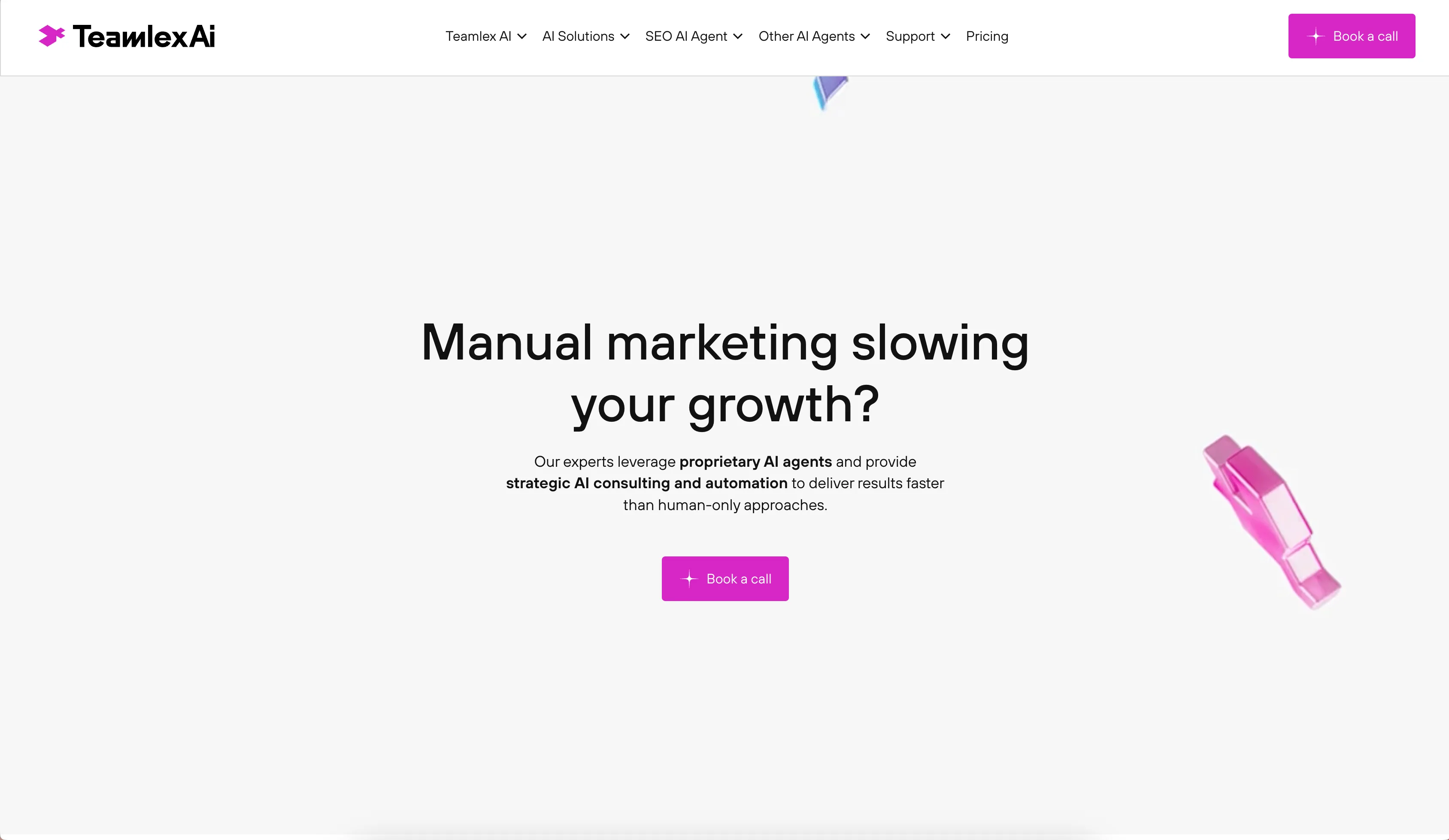
Teamlex AI: an AI SEO platform
An AI SEO platform for understanding search intent, analyzing competitors, and creating optimized content.
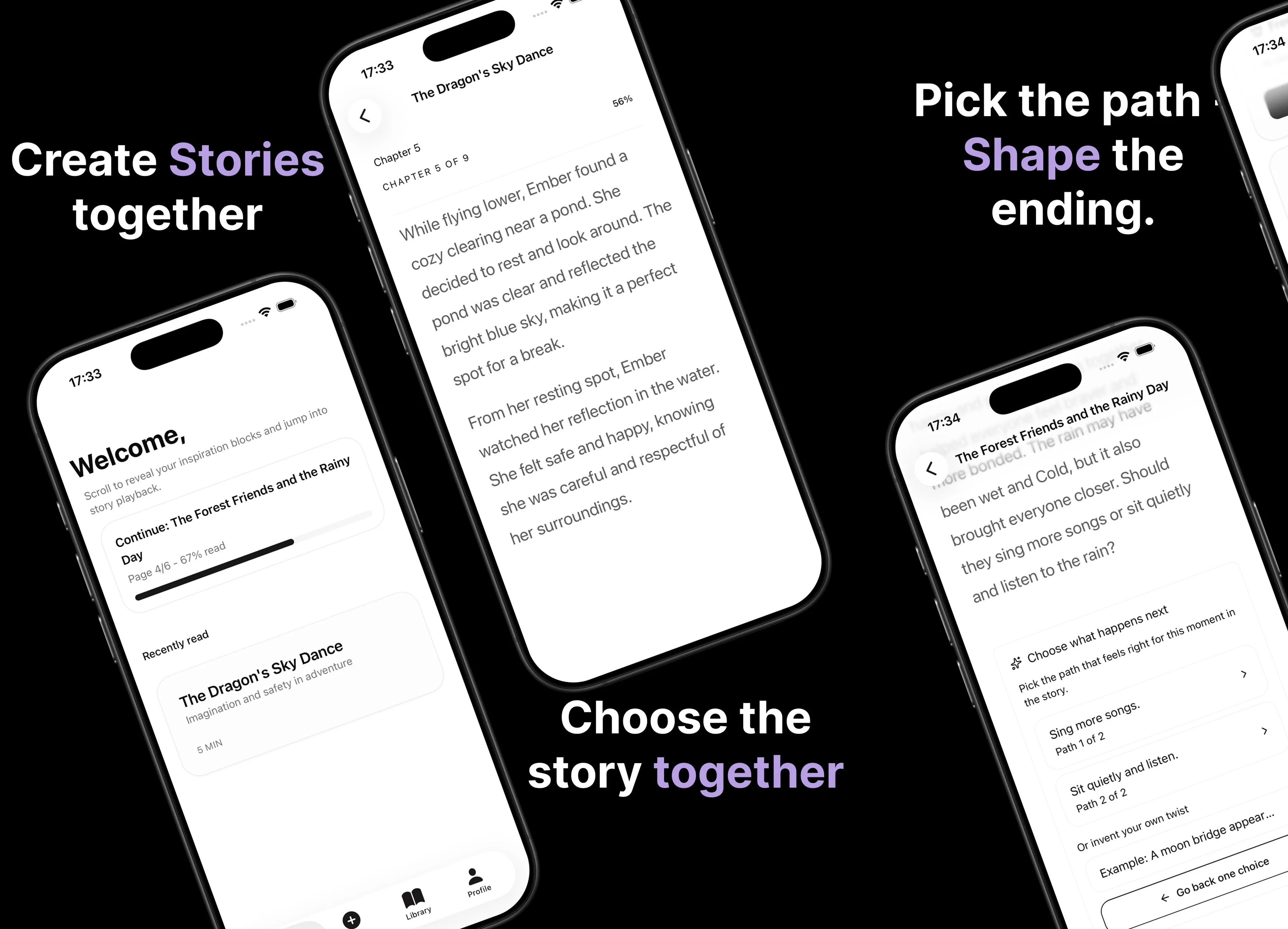
Parent AI Stories: personalized bedtime stories
A mobile product that helps parents create personalized bedtime stories for children in minutes.