How to Build an MCP Server for Your SaaS Product
An MCP server is a thin, authenticated layer that exposes a small set of your product's actions as tools that AI apps can call. Claude, ChatGPT, Cursor, VS Code and other MCP clients can then read and change data in your SaaS on behalf of a signed-in user, without you building a custom integration for each of them.
For most SaaS products the server is a wrapper around an API you already have. The hard parts are not the protocol. They are choosing which tools to expose, describing them so a model uses them correctly, and making sure one customer's agent can never touch another customer's data.
This guide walks through those decisions in the order you will face them.
What an MCP server gives a SaaS product
The Model Context Protocol (MCP) is an open standard for connecting AI applications to external tools and data. If you want the background and the reasoning behind it, our article on why we built MCP covers it.
For a SaaS company, the practical effect is distribution. Your customers already work inside AI assistants. An MCP server lets them say "find the overdue invoices for Acme and draft a reminder" in the tool they have open, and have it run against your product. You do not have to build and maintain a chat interface for that to happen.
It is different from building an assistant inside your own product. An in-product assistant is a feature you design, host and pay for. An MCP server is an interface that other people's AI apps use, and the model usage is paid for by whoever runs the client. If you are weighing both, our roadmap for adding AI to an existing SaaS product covers the in-product side.
Should you build one?
An MCP server is usually worth it when:
- Your customers do repetitive lookups or updates that an assistant could do from a sentence (search, summarize, create, update status).
- You already have a stable API with clear permissions. The server will inherit its strengths and its weaknesses.
- Your users are technical or already use AI tools daily, such as developers, analysts, operators and support teams.
It is usually not worth it yet when:
- Your API is unstable or poorly documented. Fix that first, because the MCP server will expose every rough edge.
- Your product is mostly a visual, hands-on workflow, such as design or video editing, where a text interface adds little.
- You have no authorization model beyond "one API key per account". You need per-user permissions before you let agents act for users.
Step 1: Pick a few tools, not your whole API
The most common mistake is generating one tool per API endpoint. A model choosing between 80 tools with overlapping names performs worse than one choosing between 8 well-defined ones, and every tool description consumes context in the client.
Start from the jobs your users actually do. Look at support tickets, your most-used API endpoints and the questions your customers ask in onboarding calls. Then write tools around outcomes:
search_invoicesandget_invoice, rather than eight list endpoints with different filterscreate_invoice_draft, rather than exposing every field of your internal invoice modelsend_invoice_reminder, as a separate, clearly named write action
A good first release is read-only plus one or two low-risk write actions. You can add more after you see which tools people actually use.
Step 2: Design tools for models, not developers
A model sees only the tool name, the description and the input schema. Those three things are the entire user interface, so write them with the same care you would give a UI.
Here is a read-only search tool described the way a model needs it:
{
  "name": "search_invoices",
  "description": "Search the current customer's invoices by status, date range or customer name. Returns at most 20 results, newest first. Use get_invoice to fetch line items for a single invoice.",
  "inputSchema": {
    "type": "object",
    "properties": {
      "status": { "type": "string", "enum": ["draft", "open", "paid", "void"] },
      "created_after": { "type": "string", "description": "ISO 8601 date, for example 2026-01-01" },
      "customer_name": { "type": "string", "description": "Partial, case-insensitive match" }
    }
  },
  "annotations": { "readOnlyHint": true }
}
A few rules that make a visible difference:
- Say what it returns and what its limits are. "At most 20 results, newest first" prevents the model from assuming it saw everything.
- Use enums and examples instead of free-form strings wherever the values are known.
- Return compact, relevant fields. Dumping a 300-field record wastes context and increases the chance the model latches onto the wrong field.
- Make errors readable. "No invoice found with that ID for this account" helps the model recover. A stack trace does not.
- Point to the next tool. Mentioning
get_invoicein the description teaches the model the intended flow.
Tool annotations such as readOnlyHint and destructiveHint help clients decide when to ask the user for confirmation. Treat them as hints for the client's interface. They are not a security control, so your server must enforce permissions itself.
Step 3: Use Streamable HTTP for a hosted server
MCP defines two standard transports. stdio runs a server as a local process, which suits developer tools that run on the user's machine. Streamable HTTP is for remote servers that many users share, which is what a SaaS product needs.
The older HTTP+SSE transport has been deprecated, so do not build on it. The specification has also been moving toward simpler, more stateless servers. The latest revision removes protocol-level sessions from the Streamable HTTP transport and has each request carry its protocol version and client capabilities. The practical advice is to design tools that do not depend on in-memory state between calls, and to use the official SDK for your language rather than hand-writing the protocol, so version changes are mostly an upgrade rather than a rewrite.
Stateless tools also scale the way the rest of your API does. They sit behind your usual load balancer, and any instance can serve any request.
Step 4: Authentication and tenant isolation
This is where most of the engineering effort and most of the risk sits.
The MCP specification defines an OAuth-based authorization framework for remote servers. In practice that means a user connects your server in their AI app, is sent to your normal login and consent screen, and the client receives a token scoped to that user. Reuse your existing identity provider and OAuth infrastructure where you can instead of inventing a separate credential system.
Then apply four rules:
- Every tool call runs as the signed-in user, never as a shared service account. If the user cannot see an invoice in your web app, the tool must not return it.
- Resolve the tenant from the token, never from a tool argument. A model should not be able to pass a different account ID and see another customer's data. If your tenant model needs work, our guide to multi-tenant SaaS architecture covers how to enforce isolation at the database level so a missed filter in one tool does not become a data leak.
- Use narrow scopes. Separate read and write scopes, so a user can connect an assistant that can look things up but not change anything.
- Treat everything the model sends as untrusted input. Validate arguments the same way you would validate a public API request. Prompt injection means text inside a document or ticket can try to steer an agent, so the server cannot assume the call reflects the user's real intent.
Step 5: Put guardrails on write actions
Reading data is low risk. Creating, changing and deleting it is where you need friction.
- Prefer drafts and proposals.
create_invoice_draftis safer thansend_invoice. Let the user review in your product before anything leaves the building. - Require confirmation for destructive actions, and mark them clearly so clients can prompt the user.
- Make writes idempotent where you can, because agents retry.
- Rate limit per user and per tool. An agent in a loop can generate more traffic in a minute than a person does in a day.
- Log every tool call with the user, tool, arguments and result, and surface it in an audit view. When something odd happens, you will need to reconstruct what the agent did.
Step 6: Test with real clients and measure tool selection
Unit tests confirm that your tools work. They do not confirm that models use them well.
Connect the server to at least two or three real MCP clients and run through your core scenarios by hand. Watch for tools the model never picks, tools it picks incorrectly, and arguments it gets wrong repeatedly. Most of these are fixed by rewriting a description, not by changing code.
Then turn the scenarios into a repeatable test set: a list of realistic user requests, the tool calls you expect, and a check on the final result. Run it whenever you change a tool name, description or schema, because those changes alter model behavior even if no code logic changed. The same discipline applies as for any AI feature, and our guide to testing and evaluating LLM outputs before shipping shows how to build that set.
Step 7: Deploy, monitor and version
Deploy the server like any production service: separate environment, secrets management, health checks and alerting. Monitor the numbers that tell you whether agents find it useful: calls per tool, error rate per tool, latency, and how often a call is followed by an immediate retry with different arguments.
When you change a tool in a breaking way, such as renaming it or changing required arguments, treat it like an API change. Clients and saved workflows may depend on it. Add new tools beside old ones and retire the old ones deliberately.
Common mistakes
- Exposing every endpoint as a tool instead of designing around user jobs.
- Returning huge payloads that fill the model's context with irrelevant fields.
- Letting a tool accept a tenant or account ID as an argument.
- Shipping powerful write tools in the first release.
- Skipping audit logging, then having no way to explain what an agent did.
- Never testing with real clients, then discovering that the descriptions confuse them.
How much work is it?
Less than building an in-product assistant, because you are wrapping an API that already exists and you do not build or host a chat interface. The effort goes into tool design, authorization, guardrails and testing, not into the protocol itself. A narrow read-only server is a small project. A server with write actions, per-user scopes and an audit trail is a real feature that deserves proper design and review.
The scope that makes sense for you depends on your API, your permission model and what your customers do all day. If you want a second opinion on which tools to expose first, or help building and securing the server, that is the kind of work our AI development team does, and we are happy to talk it through.
If you are earlier in the journey, start with how an agent decides what to call in building your first AI agent. Understanding the client side makes the server much easier to design. And if you are also deciding how your own AI features should use customer data, see RAG vs fine-tuning for how to choose between retrieval and training.
Services
Not sure where to start? Tell me what you want the product to do.
Related work
Teamlex AI: an AI SEO platform
An AI SEO platform for understanding search intent, analyzing competitors, and creating optimized content.
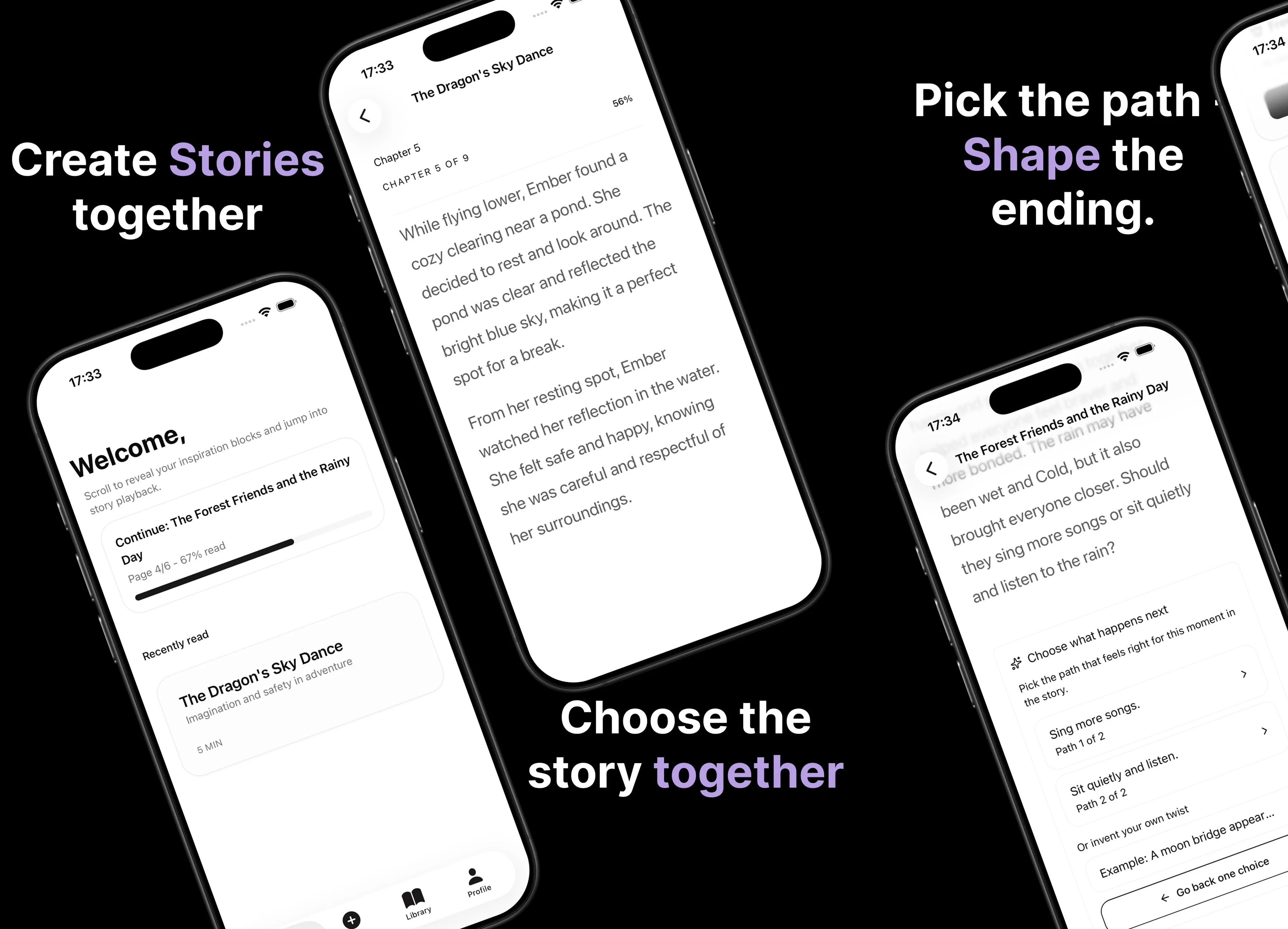
Parent AI Stories: personalized bedtime stories
A mobile product that helps parents create personalized bedtime stories for children in minutes.