Build vs Buy for Internal Business Tools
Buy an internal tool when the job is common, the vendor's version does 80% of what you need, and speed matters more than fit. Build when the tool needs to touch your specific data model, enforce rules unique to how your business works, or connect systems no vendor bridges cleanly. The costly mistake isn't buying or building - it's buying software that fights your workflow, or building something a $30/month SaaS tool already does perfectly well.
Start from the job, not the tool category
Before comparing vendors or estimating a build, write down exactly what the tool needs to do, who uses it, and how often. "We need a CRM" is a category. "Sales needs to see deal stage, log calls, and get reminded to follow up within 48 hours" is a job. The second version is what actually determines whether buying or building makes sense, because it tells you how far a generic tool would have to stretch.
When buying wins
- The job is standard across companies. CRM, help desk, project tracking, expense management, and scheduling are solved problems. Thousands of companies have paid to refine these tools; you're unlikely to build something better in a first attempt.
- You need it running this week. Vendor tools are live the day you sign up. A custom build, even a simple one, takes real engineering time you may not have to spare.
- The team is small. Below a certain size, the cost of maintaining custom software (updates, bug fixes, the one person who understands it leaving) outweighs its benefits.
- You don't yet know your exact requirements. Using a flexible off-the-shelf tool for a few months often reveals what you actually need, which makes a later custom build (if still justified) far better scoped.
When building wins
- The workflow is genuinely unusual. If your process doesn't map to how any vendor tool models the problem, you'll spend more time working around the tool than the tool saves you.
- The tool needs deep integration with your own data and systems. Connecting cleanly to your product database, your specific business logic, or several internal systems at once is exactly where off-the-shelf tools get expensive and brittle, usually through per-integration add-on pricing or middleware you still have to maintain.
- Per-seat or per-workflow pricing doesn't scale with you. Some vendor pricing is fine at 10 users and painful at 200. If growth is predictable, run the math forward, not just on today's headcount.
- The tool is becoming a competitive differentiator. Internal tools that shape how fast your team moves, or that customers indirectly experience, can be worth owning outright.
- Data sensitivity or compliance rules limit where the data can live. Some internal data can't sit in a third-party vendor's cloud, which narrows or eliminates the buy option outright.
The real cost of building is maintenance, not the build
Teams routinely underestimate custom internal tools because they price the build and stop there. The bigger cost is what comes after:
- Bug fixes and edge cases that show up once real people use it daily, not just in the demo.
- Updates as your business changes. An internal tool tied closely to your workflow needs updating every time that workflow changes, unlike a vendor tool that updates itself.
- The bus-factor problem. If one engineer built it and later leaves, the tool can become something nobody wants to touch.
- Security and access control, which vendors handle as their core product and which you now own yourself.
None of this means building is wrong. It means the honest cost comparison is total cost of ownership over a couple of years, not the initial build estimate against a monthly subscription fee.
Where AI changes the calculation
AI has shifted a meaningful slice of internal tools from "not worth building" to "worth building," mainly by making custom internal tools cheaper and faster to build and by making off-the-shelf tools' rigid workflows more visibly limiting by comparison.
- Internal AI assistants over your own data (a support-ticket triager trained on your actual tickets, an internal search over your own documentation) are inherently custom, since the value is in your data, not a generic model. How to add AI to an existing SaaS product covers the architecture side of this.
- Whether to build the AI layer yourself or lean on a foundation model API is its own decision, covered in custom AI vs off-the-shelf AI.
- AI coding assistants make small internal tools faster to build than they used to be, which shifts some tools from "not worth the engineering time" to "worth it." See using AI coding assistants without losing code quality for how to do that without creating a maintenance mess.
A decision checklist
Points toward buying
- Is this a standard business function (CRM, ticketing, scheduling, expenses)?
- Do you need it running in days, not weeks?
- Is the team small enough that maintenance overhead outweighs the benefit of a perfect fit?
- Are your requirements still likely to change significantly in the next few months?
Points toward building
- Does the workflow not map cleanly to any vendor's model of the problem?
- Does it need deep, ongoing integration with your own systems or data?
- Will vendor pricing become expensive at your expected scale?
- Is this tool close enough to your core product that owning it is a real advantage?
- Do compliance or data-residency rules rule out third-party hosting?
A middle path: buy first, build later
For most internal tools, the lowest-risk path is to buy a flexible off-the-shelf tool first, use it for a few months, and only build custom once you can point to specific, recurring friction the vendor tool can't solve. This avoids the two most common failure modes: building something a $30/month tool already did well, and buying something so rigid it never really fit.
If you do decide to build, treat it like a small internal MVP: scope tightly, ship the smallest version that removes the friction, and resist adding features nobody has asked for yet. The same discipline covered in how to validate your MVP idea before writing code applies just as well to an internal tool as to a customer-facing product.
Bottom line
Buy when the job is common and speed matters. Build when your workflow, your data, or your scale genuinely don't fit what's available off the shelf, and be honest about the maintenance cost, not just the build cost. When in doubt, buy first, learn what you actually need, and build later once the gap is specific and proven.
If you're weighing this for a specific internal tool, RMJDG can help you scope a build (or tell you honestly that you don't need one). You can reach out through the RMJDG site.
Services
Not sure where to start? Tell me what you want the product to do.
Related work
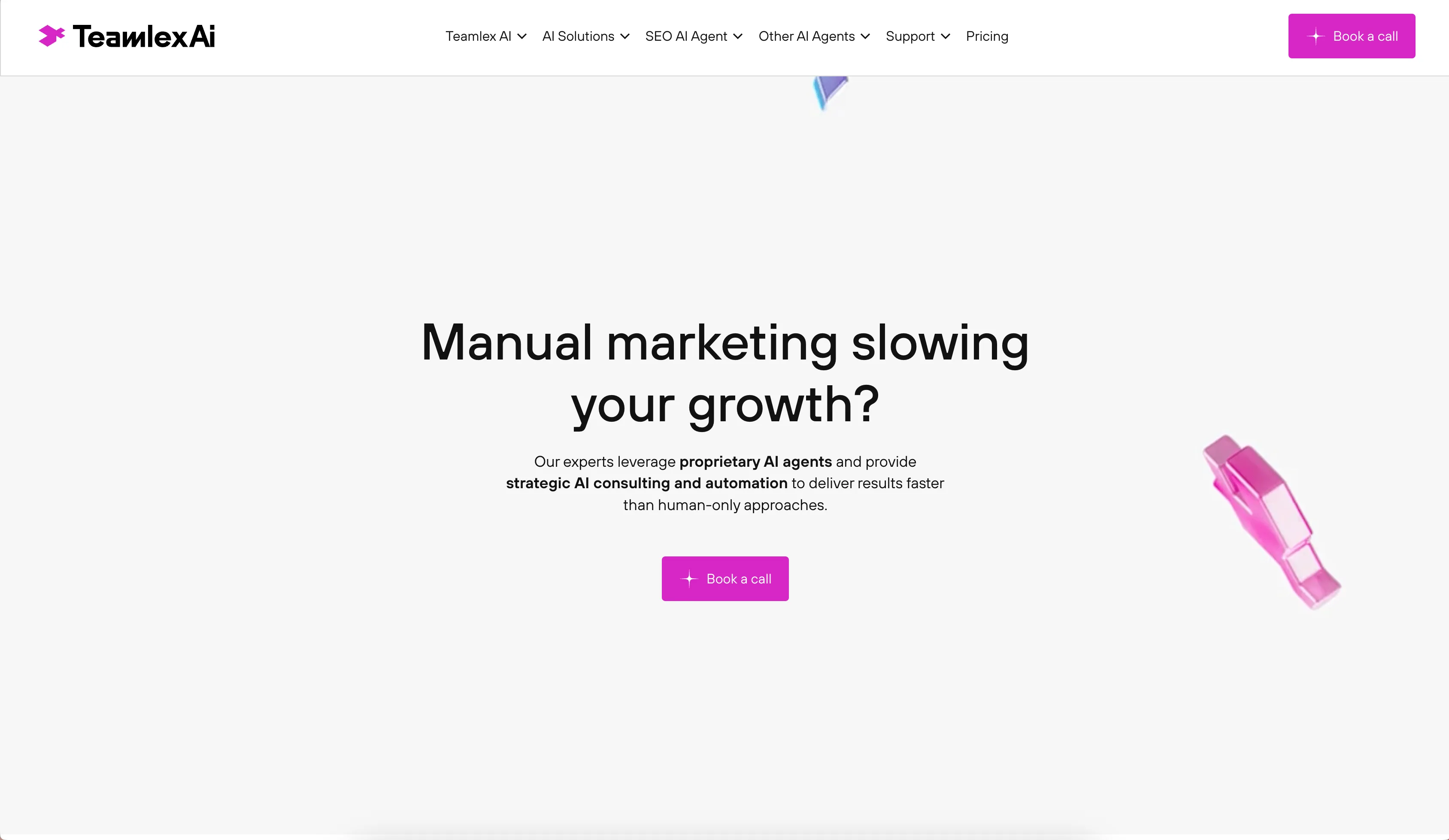
Teamlex AI: an AI SEO platform
An AI SEO platform for understanding search intent, analyzing competitors, and creating optimized content.
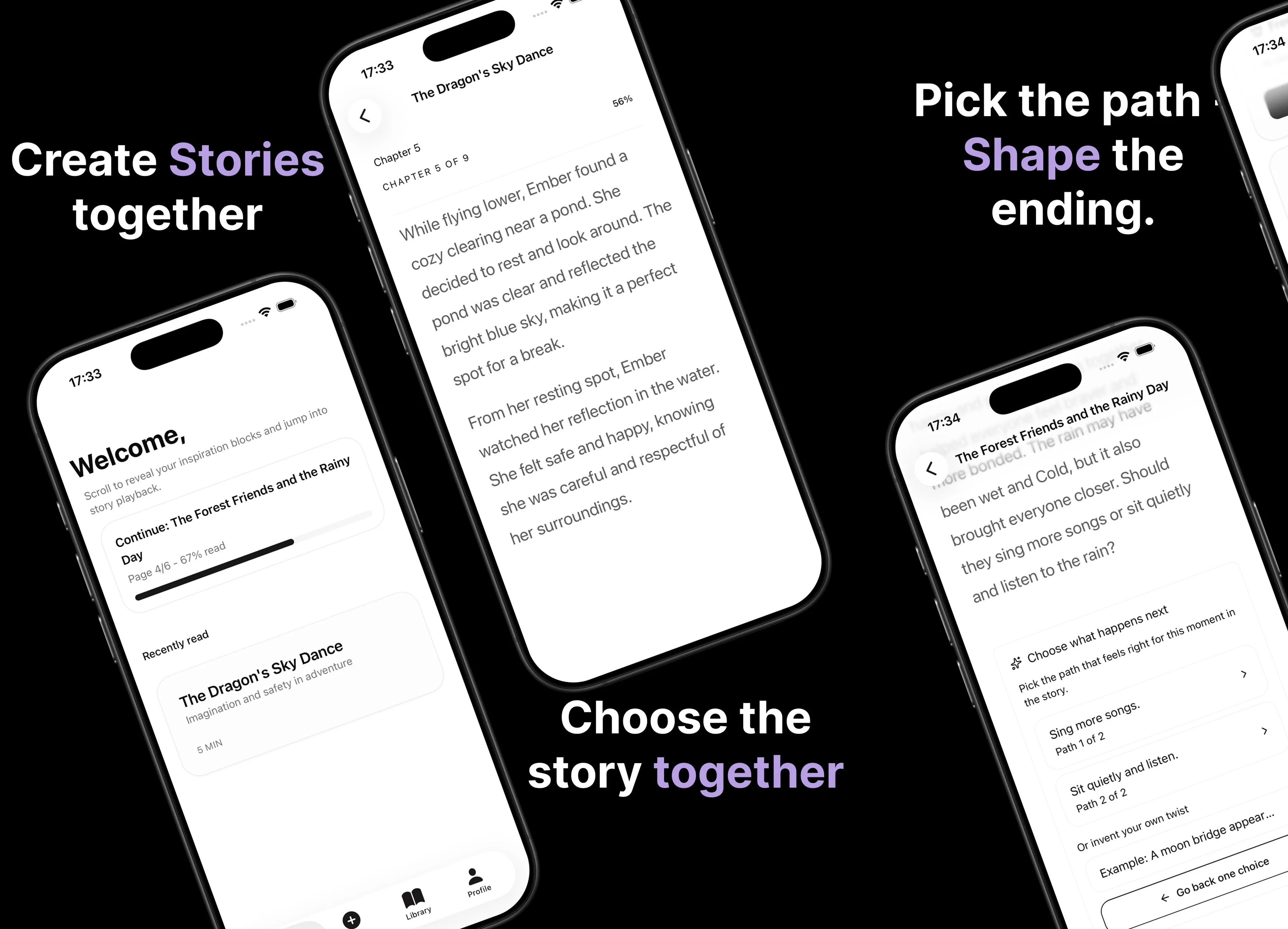
Parent AI Stories: personalized bedtime stories
A mobile product that helps parents create personalized bedtime stories for children in minutes.