How to Add AI to an Existing SaaS Product: A Practical Roadmap
The lowest-risk way to add AI to an existing SaaS product is to pick one high-value workflow, build it as a separate AI layer behind a feature flag, ground it in your own data, test it against real examples, and roll it out to a small group of customers before everyone. You do not need to rebuild your product or train your own model. Most first AI features call a hosted model through an API and succeed or fail based on the surrounding engineering: data access, permissions, evaluation, and cost control.
This roadmap walks through those decisions in the order you will actually face them.
Step 1: Choose the right first feature
Most useful AI features in existing SaaS products fall into four patterns:
- Search and Q&A over your own content. Users ask questions and get answers grounded in their documents, tickets, or records. This is retrieval-augmented generation, and it is often the best first feature because the value is easy to see.
- Summarize and draft. Summarizing a long thread, drafting a reply, or turning notes into a structured report.
- Extract and classify. Pulling fields out of uploaded documents, tagging incoming items, routing requests to the right queue.
- Assistants and agents that take actions. The AI does things inside your product on the user's behalf, such as creating records or updating settings. This is the most powerful pattern and the most expensive to make safe.
To choose between candidates, ask:
- Does the task already exist in your product and cost users real time?
- Is there a clear definition of a good result, so you can measure it?
- What is the cost of a wrong answer? Start where mistakes are cheap and visible, like a draft the user edits, not an action that runs automatically.
- Do you have the data the feature needs, and can you legally and contractually use it?
A feature that saves users ten minutes on a task they do daily beats an impressive demo that nobody needs.
Step 2: Fit an AI layer into your architecture
Keep AI logic in its own module or service instead of scattering model calls through your codebase. That gives you one place to handle prompts, retries, timeouts, logging, cost tracking, and provider changes.
A common setup is your existing application (often TypeScript with Node.js or Next.js) calling an internal AI service, which can live in the same codebase or run separately as a Python and FastAPI service if your team wants Python's ecosystem for retrieval and evaluation. The important part is the boundary between your product code and the model provider.
A simplified sketch of that boundary:
// ai/answer.ts - the only place product code touches the AI layer
type Ctx = { tenantId: string; userId: string };

export async function answerFromDocs(ctx: Ctx, question: string) {
  // 1. Retrieve only what this user is allowed to see
  const passages = await retrieve({
    tenantId: ctx.tenantId,
    userId: ctx.userId,
    query: question,
    topK: 6,
  });

  // 2. Ask the model, with the passages as the only source
  const result = await llm.generate({
    system: ANSWER_POLICY,
    input: { question, passages },
    timeoutMs: 20_000,
  });

  // 3. Log for evaluation and cost tracking
  await trace({ ctx, question, passages, result });

  return result;
}
Details that save pain later:
- Stream responses to the UI so users see progress instead of waiting for a long completion.
- Move slow work to a queue. Anything that takes more than a few seconds, such as processing a large document, should run in the background and notify the user when done.
- Set timeouts and fallbacks. Model APIs will occasionally be slow or fail. Decide what your product does in that case before it happens.
- Do not let provider-specific details leak into the rest of your app. You will want to switch models as they improve and as prices change.
Step 3: Respect tenant and user permissions
This is where SaaS differs from a standalone AI app, and where the worst mistakes happen. If your product is multi-tenant, or users have different access levels inside a tenant, the AI feature must obey the same rules as the rest of your product.
- Retrieval must filter by tenant and by what the current user can see, before content reaches the model. Do not rely on the model to withhold information it was given.
- Tool calls made by an AI feature should run with the requesting user's permissions, not a broad service account.
- Decide what data may be sent to a third-party model provider, check the provider's data retention and training terms for your plan, and reflect them in your own privacy policy and customer contracts.
- Log what was retrieved for each answer so you can investigate a data-exposure report.
Enterprise customers will ask about all of this early, so having clear answers helps sales as well as security.
Step 4: Ground the AI in your product data
If the feature needs to answer from your customers' content, you will most likely use retrieval-augmented generation: split content into passages, index it, retrieve the relevant ones per question, and give them to the model. Getting this to work reliably in production takes more than a weekend prototype. Chunking strategy, hybrid search, reranking, and evaluation all affect answer quality, which we cover in building a production RAG pipeline.
You also need somewhere to store the embeddings. If you already run Postgres, adding a vector extension is often the simplest start. Dedicated vector databases make sense at larger scale or for specialized needs, and how to choose a vector database explains the tradeoffs.
Keep the index in sync with your source data. A stale index that answers from deleted or outdated records erodes trust quickly.
Step 5: Test before customers see it
Before launch, build a small evaluation set: real or realistic inputs paired with what a good output looks like. Even 30 to 50 well-chosen examples will reveal patterns, such as which question types fail or where the model invents details.
Score outputs against that set every time you change a prompt, model, or retrieval setting. For open-ended answers, use a mix of automated checks (does the answer cite a retrieved passage, does it stay in the required format) and human review of a sample. The goal is to replace "it seems better" with evidence.
Also test the ugly cases: empty inputs, very long inputs, questions the data cannot answer, and attempts to make the AI ignore its instructions. The right behavior for an unanswerable question is to say so.
Step 6: Roll out gradually
Ship behind a feature flag and expand in stages:
- Internal team and a few friendly customers
- A small beta cohort who agreed to give feedback
- Gradual rollout to more accounts, watching quality and cost
- General availability
During the early stages:
- Label AI output clearly and make it easy for users to edit or reject it.
- Add thumbs up and down or a similar feedback control, and route bad examples into your evaluation set.
- Keep a human in the loop for anything that changes data.
- Set rate limits and a spending cap per tenant so one heavy user cannot blow up your bill.
Step 7: Monitor quality and cost in production
Traditional monitoring will tell you the endpoint returned a 200. It will not tell you the answer was wrong. Track latency, token usage and cost per request, error and timeout rates, user feedback, and sampled quality reviews. Our guide to setting up LLM observability shows how to instrument this step by step.
Watch cost per tenant in particular. AI usage is a variable cost, unlike most of the rest of your infrastructure, and it needs to be visible per customer.
Pricing and packaging
Model usage adds a real cost of goods sold to your product, so decide early how you will cover it:
- Include it in existing plans with fair-use limits, if the feature is central to the product and per-user usage is modest.
- Offer it in higher tiers if it delivers value mainly to larger customers.
- Sell it as an add-on or usage-based credits if usage varies widely between customers.
Whichever you choose, calculate cost per active user or per task from real usage data, and check that it fits your margins before a broad launch. Prompt caching and batch processing can cut cost for repeated context and non-urgent work, and routing simple tasks to smaller models helps too.
Common mistakes
- Starting with the most ambitious feature. A copilot that does everything is a large project. A focused feature ships sooner and teaches you what users want.
- Treating the prototype as the product. A demo works on hand-picked examples. Production means handling everything users actually send.
- Ignoring permissions until late. Retrofitting access control into a retrieval system is painful.
- No evaluation. Without it, every prompt tweak is a gamble, and regressions reach customers.
- Building an agent when a simple feature would do. If the feature must take actions, plan for the extra work. We break down that budget in AI agent development cost.
- No plan for cost. Usage grows with adoption, so watch it from the first beta.
Build in-house, hire help, or use a platform?
If your team already has backend engineers comfortable with APIs, a first AI feature is within reach, especially something like summarization or drafting. Retrieval over customer data, agents that take actions, and anything with strict security requirements benefit from people who have shipped these systems to production before, because the expensive mistakes are in the details listed above.
RMJDG helps SaaS teams add AI features to products that are already live, working with TypeScript and Node.js, Python and FastAPI, OpenAI and other LLM APIs, RAG, MCP, and AWS. If you are weighing a first feature, send us a short description of your product and the workflow you have in mind, and we can help you decide what to build first and how to ship it safely.
Services
Not sure where to start? Tell me what you want the product to do.
Related work
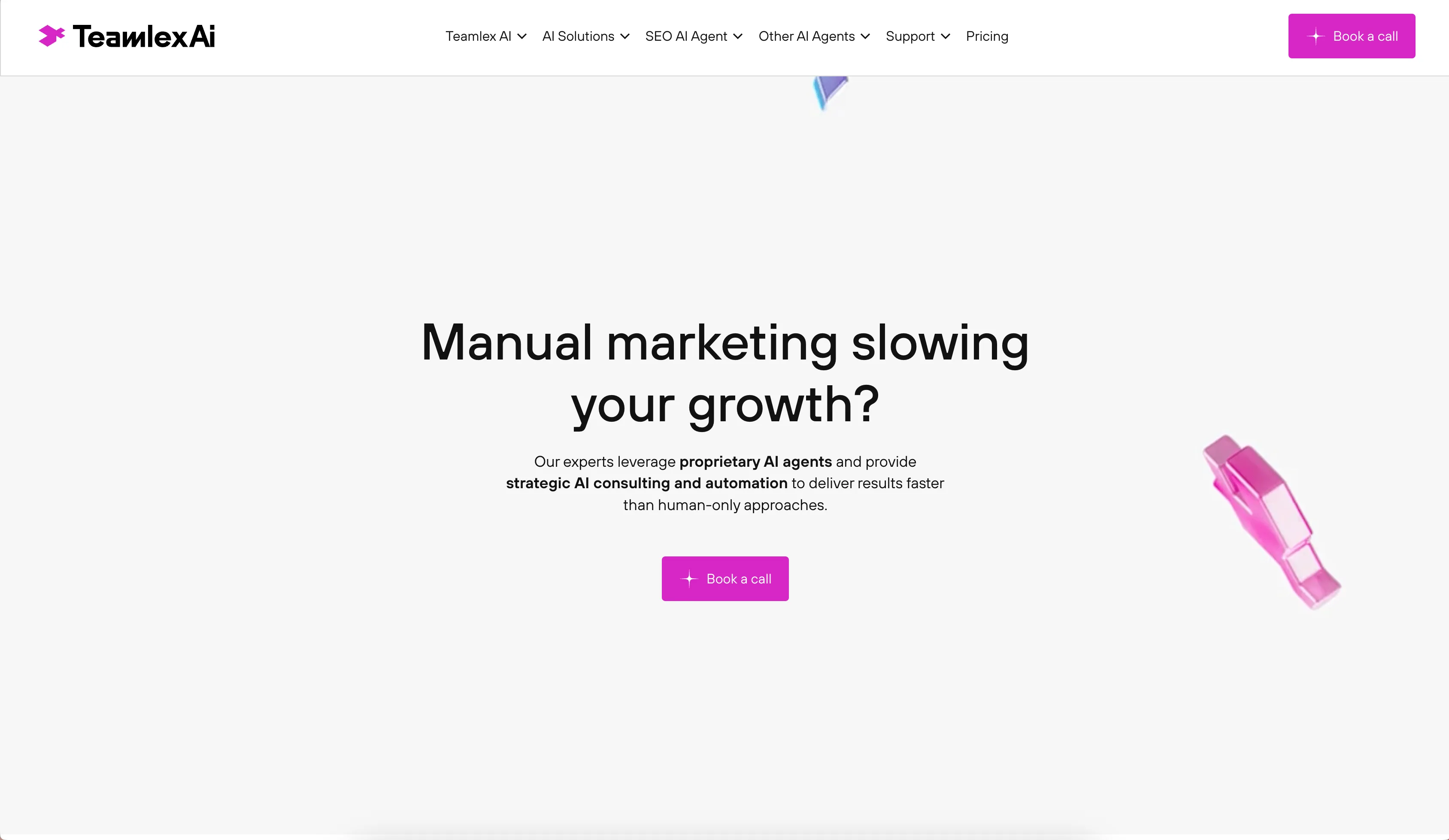
Teamlex AI: an AI SEO platform
An AI SEO platform for understanding search intent, analyzing competitors, and creating optimized content.
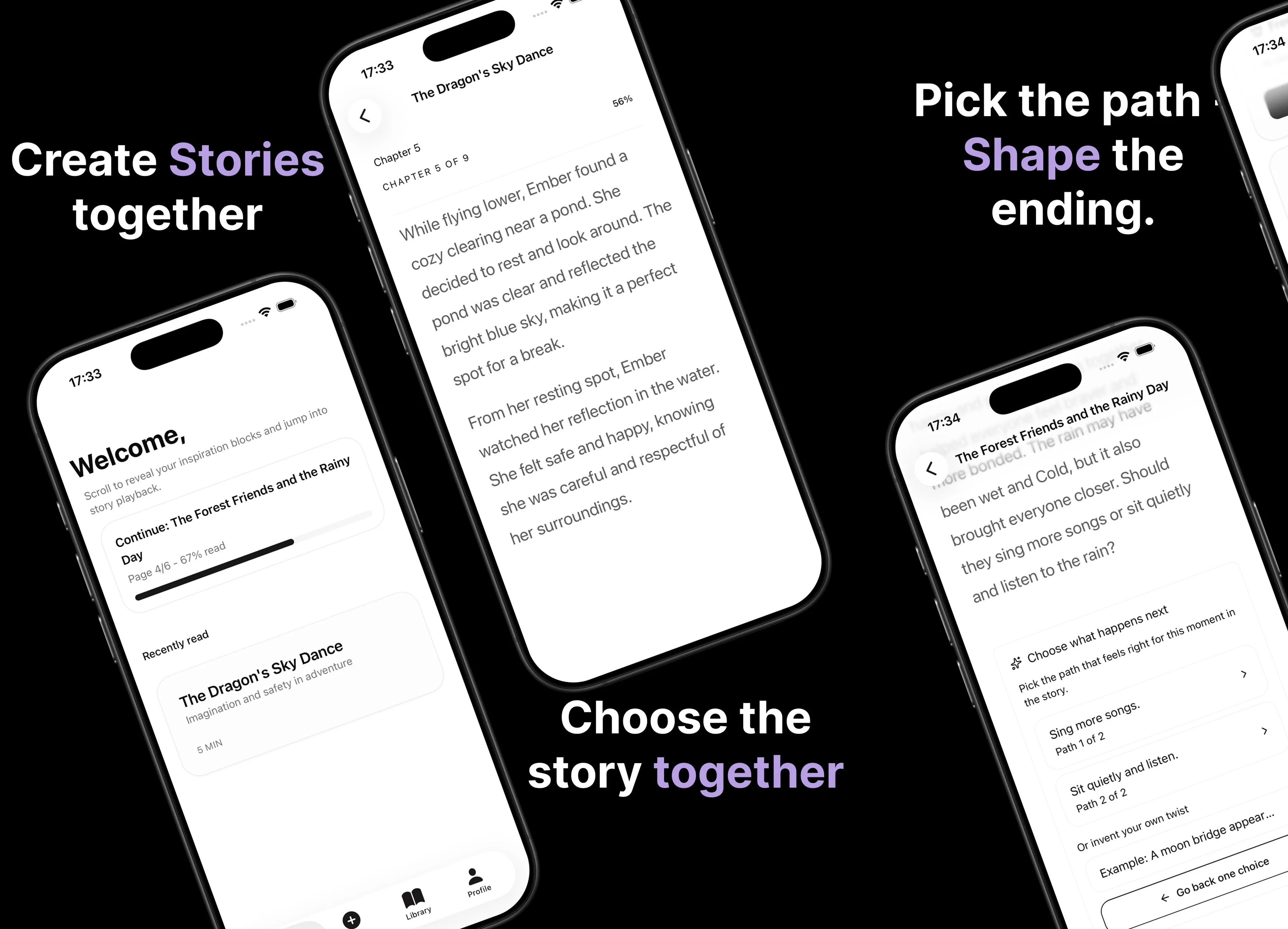
Parent AI Stories: personalized bedtime stories
A mobile product that helps parents create personalized bedtime stories for children in minutes.