AI Agent Development Cost in 2026: What to Budget and Why
A single-purpose AI agent usually costs roughly $10,000 to $30,000 to build. An agent connected to several business systems, such as your CRM, helpdesk, and internal database, typically lands between $30,000 and $80,000. Agents with high autonomy, financial or legal consequences, or strict compliance requirements start above that and can pass $150,000.
Treat those as planning ranges, not quotes. The real number depends on how many systems the agent touches, how much it may do without a human approving it, and how rigorously you test it. Running costs are a separate line item, and because an agent makes many model calls per task, they surprise teams more often than the build does.
AI agent development cost by scope
Single-task agent: roughly 3 to 6 weeks, $10,000 to $30,000. One workflow, two to four tools, and a human approving anything irreversible. Typical examples are an agent that triages inbound support email and drafts replies, or one that enriches new leads and writes the result to your CRM.
Multi-tool workflow agent: roughly 6 to 12 weeks, $30,000 to $80,000. Several integrations, retrieval over your own documents, structured logging, and a proper evaluation suite. Think of an agent that reads a customer request, looks up the account, checks policy documents, proposes an action, and updates two systems after approval.
High-autonomy or regulated agent: 12+ weeks, $80,000 to $150,000+. Multiple cooperating agents, actions with real financial or legal impact, audit trails, fine-grained access control, or compliance work such as GDPR or SOC 2 readiness. Most businesses do not need this on the first project, and starting here is a common way to overspend.
These ranges assume a small senior team. Rates vary by region and by whether you hire a company or a freelancer, which we cover in MVP development company vs freelancer.
What actually drives the cost
The model call is the cheap part of an agent. Most of the budget goes to everything around it.
- Number and quality of integrations. Every system the agent talks to needs authentication, error handling, rate-limit handling, and data mapping. A well-documented SaaS API is quick. An internal system with no documentation needs discovery work before anyone writes code.
- Level of autonomy. An agent that drafts and waits for approval is much cheaper to make safe than one that sends emails, issues refunds, or changes records on its own.
- Data readiness. If the agent needs to answer from your documents, the quality of those documents matters. Outdated, duplicated, or badly structured content means cleanup and a more careful retrieval setup.
- Reliability target. A demo that works 70% of the time is fast to build. A production agent you trust with customers needs test sets, guardrails, and fallbacks, and that work is where the schedule stretches.
- Security and permissions. The agent should have the least access needed. In a multi-tenant product, retrieval and tool calls must respect each customer's data boundaries.
- Interface. A Slack bot, an email workflow, and an embedded chat UI inside your product are three different amounts of front-end work.
Where the build budget goes
A well-run agent project tends to move through the same stages, and it helps to know which ones you are paying for.
- Discovery and scoping. Define the exact task, collect real examples of inputs and correct outputs, and agree what counts as success. Skipping this is the most expensive shortcut in the whole project.
- Tool layer. The functions the agent can call, with validated inputs, narrow permissions, and clear error messages the model can act on. If several clients or agents will reuse these tools, exposing them through MCP avoids rewriting the integration each time.
- Control loop and orchestration. How the agent plans, calls tools, handles failures, and decides when to stop or hand off. Our breakdown of how AI agents work covers the moving parts.
- Retrieval. Only if the agent needs your documents or data. Chunking, embeddings, and reranking add real work.
- Evaluation. A test set of realistic tasks, scoring, and regression checks so you can change a prompt or a model without guessing whether things got worse.
- Guardrails and approvals. Confirmation steps for risky actions, spending limits, input and output checks.
- Observability. Traces of every step so you can debug a bad run and see cost per task. See LLM observability: what to monitor in production.
- Deployment. Hosting, queues for long-running tasks, secrets management, and rollout controls.
If you want to see what the basic loop looks like in code before committing budget, Building Your First AI Agent walks through it.
Running costs: tokens, infrastructure, and monitoring
Once the agent is live, you pay for model usage, hosting, and observability tooling. Model usage is usually the one to model carefully.
A chatbot answers with one model call. An agent works in a loop: it reads the task, decides on a tool, reads the tool result, decides again, and repeats. Every step re-sends the conversation so far, including earlier tool results, so the input grows as the task proceeds.
Here is a worked example with assumed numbers. Say an agent finishes a task in 8 model calls, averaging 6,000 input tokens and 500 output tokens per call. That is 48,000 input tokens and 4,000 output tokens per task. A plain chatbot answer might be 1,500 input and 400 output. At 10,000 tasks a month, the agent consumes about 480 million input tokens and 40 million output tokens. Multiply by your provider's current per-million-token prices to get the monthly bill. Output tokens are priced several times higher than input tokens at most providers, so long, verbose outputs cost more than they look.
Two levers matter most:
- Prompt caching. Tool definitions, instructions, and reference documents are often identical across calls. Anthropic's documentation lists cache reads at one-tenth of the base input price, and OpenAI and other providers offer comparable features with different discount levels. Check the current rate card before you model it.
- Batch processing. Work that can wait, such as nightly document processing or evaluation runs, can go through a batch API. Anthropic's Batch API gives a 50% discount on input and output tokens for asynchronous jobs.
Model prices change often, so keep prices out of your architecture decisions and confirm them at the time you build. Beyond tokens, budget for hosting, a database or vector store if you use retrieval, and logging or tracing. At low volume these are often modest next to development and model usage, but they grow with traffic.
A better number than cost per call is cost per successful task. If a run costs $0.40 in tokens and succeeds 80% of the time, and failures need ten minutes of human review, the true cost is well above $0.40. Track success rate and review time alongside token spend.
Costs teams forget
- Building the evaluation set. Someone who knows the domain has to write or label realistic examples. That time is real, and it is what makes the agent trustworthy.
- Maintenance. Models get deprecated, prompts drift as inputs change, and the APIs your agent depends on change too. Plan for ongoing engineering time, not a one-off build.
- Human review and exception handling. Even good agents escalate some cases. Someone has to handle them.
- Security review. Especially if the agent can write to systems or touch customer data.
- The cost of a wrong action. A drafted email that is wrong costs a minute. A wrong refund or a deleted record costs more. This is why approval steps exist.
How to keep the budget under control
Start with one workflow. Pick the task with clear inputs, a clear definition of correct, and enough volume to matter. Expand after it works.
Use a workflow when the path is fixed. If the steps are always the same, a deterministic pipeline with one or two model calls is cheaper, faster, and easier to test than a free-roaming agent. We compare the two approaches in AI agents vs. AI assistants.
Keep humans on write actions at first. Let the agent read and draft freely, and require approval for anything that changes data. Relax this only when your logs show it is safe.
Route by difficulty. Use a smaller, cheaper model for routine steps like classification and extraction, and a stronger one for planning or ambiguous cases.
Measure before scaling. Run the agent on real historical tasks and compare against what people actually did before you turn it loose.
Keep the tool layer model-agnostic. Models improve and prices move. If your tools and evaluation set are independent of one provider, switching costs stay low.
Build custom or buy a platform?
Off-the-shelf agent platforms work well for standard problems, such as basic support deflection, where your process looks like everyone else's. Custom development makes sense when the workflow is central to your business, your data is sensitive, or the systems involved are proprietary or unusual. Many teams end up with a hybrid: a platform for the commodity parts and custom tools for the integrations that are unique to them.
If the agent or AI feature is going into a product that is already live, the architecture, permissions, and rollout questions are covered in how to add AI to an existing SaaS product.
How to get an accurate estimate
A useful estimate comes from a short discovery phase, not a guess from a one-line description. Before you ask anyone to price an agent, prepare:
- The workflow, described step by step, with 10 to 20 real examples of inputs and the correct outputs
- The systems involved and whether each has an API
- Expected task volume per month
- What counts as a mistake, and what a mistake costs you
- Who approves what
With that in hand, a good team can tell you whether an agent is the right shape, what the first version should include, and what it will cost to run.
RMJDG builds AI agents and integrations using TypeScript and Node.js, Python and FastAPI, OpenAI and other LLM APIs, RAG, and MCP, deployed on AWS. If you are scoping an agent, send us the workflow and a few real examples, and we will tell you honestly whether an agent is the right approach and what a first version would involve.
Services
Not sure where to start? Tell me what you want the product to do.
Related work
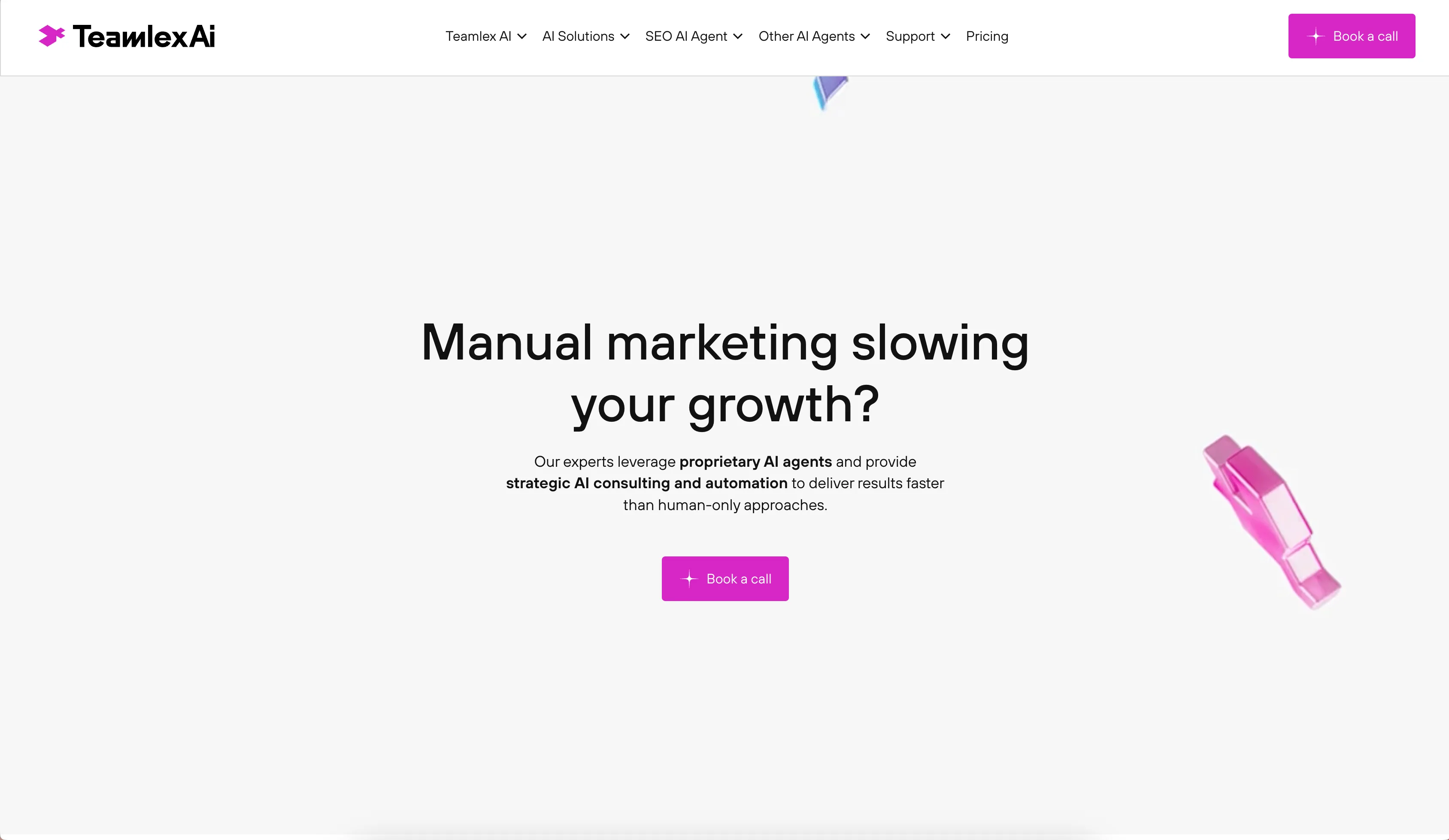
Teamlex AI: an AI SEO platform
An AI SEO platform for understanding search intent, analyzing competitors, and creating optimized content.
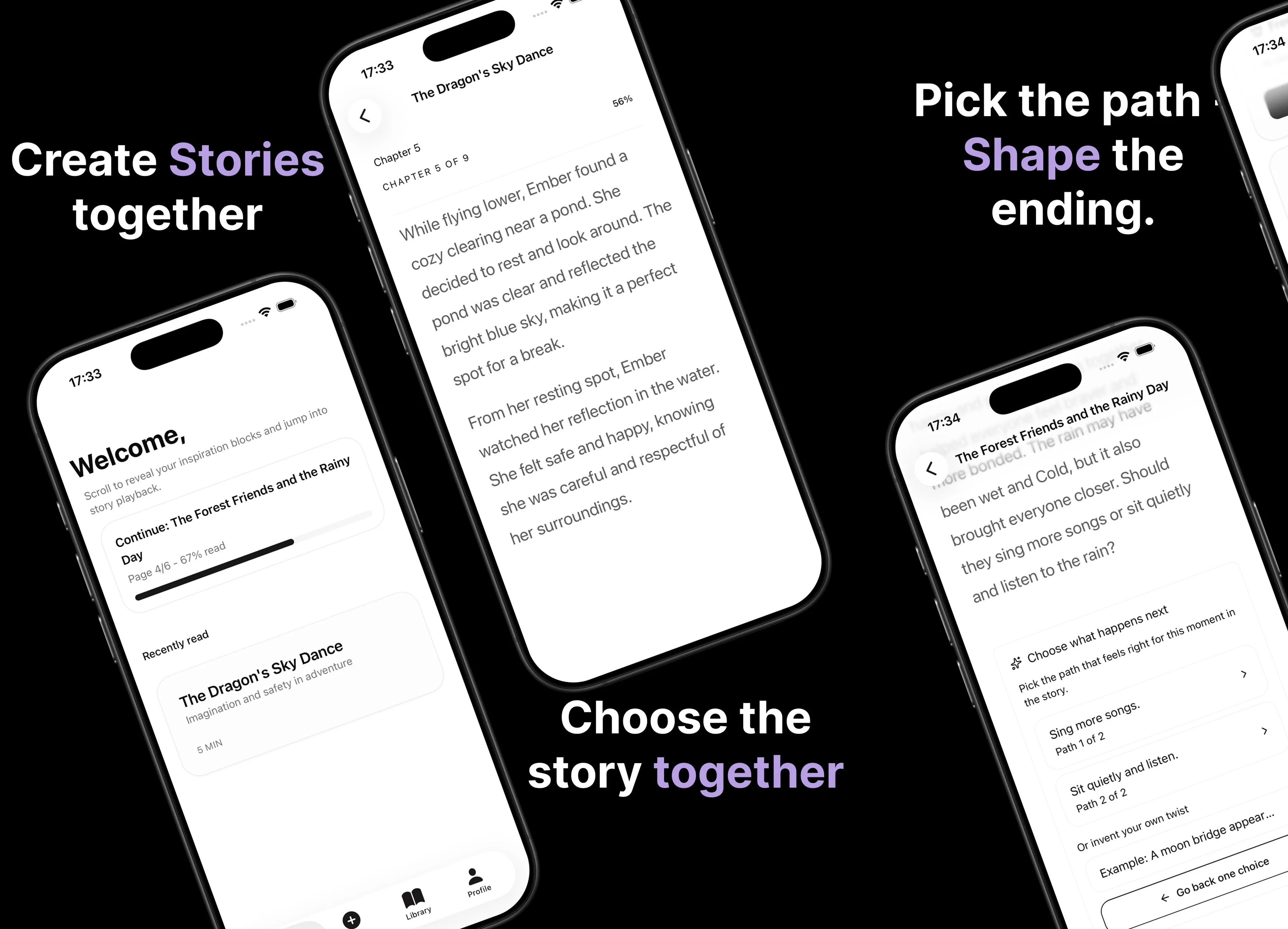
Parent AI Stories: personalized bedtime stories
A mobile product that helps parents create personalized bedtime stories for children in minutes.