How to Build an AI Customer Support Chatbot: Architecture, Handoff, and Guardrails
To build an AI customer support chatbot that works in production, start from your real tickets, answer only from vetted help content, define exactly when the bot hands over to a person, and add actions such as order lookups or refunds last, behind deterministic checks. The model writes the replies. Your code decides what the bot is allowed to know, do, and promise. Teams that reverse this order tend to ship an impressive demo and then spend months handling the conversations it got wrong.
This guide walks through the architecture in the order we would build it: support data, retrieval, human handoff, actions, guardrails, testing, and rollout. If you are still estimating budget, start with what a custom AI chatbot costs and come back here.
Start with your tickets, not the model
Before choosing any tooling, export a few months of real conversations: tickets, chat transcripts, and emails. Group them by intent, such as order status, password reset, billing question, feature how-to, bug report, and cancellation. Then sort each group into one of three buckets:
- Safe to automate. The answer exists in your documentation and the same answer is correct for everyone, for example how to reset a password or what the return window is.
- Automatable with data. The answer depends on the customer's account, for example order status or plan details. This needs authenticated, read-only lookups.
- Human only. Billing disputes, legal complaints, account security incidents, safety issues, and anything emotionally charged. The bot's job here is to collect context and hand over quickly.
This sorting becomes your scope, your evaluation set, and your escalation rules. It also shows you where the volume is. In many support queues a small number of intents account for most of the contacts, so the first version can be narrow and still matter.
The core architecture
A support chatbot is a pipeline with a language model in the middle, not a model with a chat window attached. The components:
- Channel adapter. Receives messages from the web widget, WhatsApp, email, or another channel and normalizes them. It also carries the customer's authenticated identity when there is one.
- Conversation state. Stores the message history, the detected intent, how many times the bot has failed to resolve the issue, and any collected details such as an order number.
- Retrieval. Finds relevant passages in your help content for the current question.
- Tools. A small set of functions the model can call, such as looking up an order or creating a ticket. Start read-only.
- Policy layer. Plain code that enforces rules the model must not decide: who is authorized, what is refundable, which topics always go to a human.
- Handoff. Passes the conversation, a short summary, and the reason for escalation to your helpdesk.
- Logging. Records every conversation, retrieved passage, tool call, and escalation so you can review and measure.
If you are new to how tool use and state fit together, our explainer on how AI agents work covers the same building blocks in more depth.
Retrieval: answer from your content, and know when you cannot
For answering questions, retrieval-augmented generation is the default approach. You search your help center, product docs, and policies, pass the best passages to the model, and instruct it to answer only from those passages. The details of chunking, hybrid search, and reranking are in our guide to building a production RAG pipeline. For support specifically, a few decisions matter more than the rest:
- Retrieve from approved content only. Old tickets can help you find topics, but they are a poor source of truth because past agents sometimes gave wrong or outdated answers.
- Cite the source in the reply. Linking the help article lets the customer verify the answer and lets your team trace mistakes.
- Treat low retrieval confidence as a signal. If nothing relevant is found, the right response is to say so and offer a person, not to improvise.
- Respect versions and regions. If policies differ by country or plan, tag content accordingly and filter before the model sees it.
Handoff: design the exit before the conversation
A good handoff is what makes customers tolerate a bot. The rule of thumb is to escalate early on anything uncertain or sensitive, and to make the escalation useful for the agent who receives it.
Common triggers:
- The customer asks for a human, in any wording.
- The detected intent is on your human-only list.
- Retrieval found nothing relevant.
- The bot has failed to resolve the issue after two attempts.
- A tool call failed.
- The customer's messages show strong frustration or repeated contact about the same problem.
Keep the trigger logic in code rather than leaving it to the model's judgment. A simple version looks like this:
type EscalationInput = {
  intent: string;
  retrievalScore: number;   // 0..1 from your retriever or reranker
  failedAttempts: number;
  userAskedForHuman: boolean;
  toolError: boolean;
};

const HUMAN_ONLY = new Set([
  "billing_dispute",
  "legal",
  "account_security",
  "complaint",
]);

export function shouldEscalate(input: EscalationInput) {
  if (input.userAskedForHuman) return { escalate: true, reason: "user_request" };
  if (HUMAN_ONLY.has(input.intent)) return { escalate: true, reason: "sensitive_intent" };
  if (input.toolError) return { escalate: true, reason: "tool_error" };
  if (input.retrievalScore < 0.55) return { escalate: true, reason: "low_confidence" };
  if (input.failedAttempts >= 2) return { escalate: true, reason: "repeated_failure" };
  return { escalate: false as const };
}
The 0.55 threshold is a placeholder. Tune it against your own evaluation set, because retrieval scores mean different things for different retrievers.
When the bot escalates, send the agent a summary of what the customer wants, what the bot already tried, the account details it collected, and the reason for escalation. Customers who have to repeat everything to a human conclude the bot made things worse.
Actions: from answering to doing
Once answering is reliable, add tools. The order matters:
- Read-only lookups first, such as order status, shipment tracking, or plan details.
- Low-risk writes next, such as creating a ticket or updating a contact preference.
- Money-moving or irreversible actions last, such as refunds, cancellations, and account changes. Many teams keep these human-approved permanently.
The principle for every action is that authorization comes from the authenticated session, never from what the model says. The model can propose an action. Your code decides whether it is allowed:
async function refundOrder(session: Session, orderId: string, amountCents: number) {
  // Scope the lookup to the authenticated customer, not to model output.
  const order = await orders.getForCustomer(session.customerId, orderId);
  if (!order) return { status: "not_found" };

  // Refund rules live in deterministic code, not in the prompt.
  const policy = checkRefundPolicy(order, amountCents);
  if (!policy.allowed) return { status: "needs_human", reason: policy.reason };

  return refunds.create({
    orderId,
    amountCents,
    idempotencyKey: `${session.id}:${orderId}`, // safe if the model retries
  });
}
Add a confirmation step for writes ("I'll refund this amount to your original payment method. Confirm?"), rate limits per customer, and an audit log of every action with the conversation that triggered it.
Guardrails that matter in support
- Prompt injection. Customers can type instructions into the chat, and retrieved documents or emails can contain instructions too. Never give the model more power than the customer has, and never let text from a message or document change what the policy layer allows.
- No unauthorized promises. The bot should not promise refunds, discounts, delivery dates, or legal outcomes it cannot verify. Phrase unverified situations as "a team member will confirm."
- Scope. Define what the bot declines to discuss and give it a polite, consistent way to redirect.
- Personal data. Redact sensitive fields in logs, limit what the model sees to what it needs, and set retention rules with your privacy team.
- Honesty about being automated. Tell customers they are talking to an AI and make the path to a human obvious.
Test against real conversations
Build an evaluation set from your tickets. Include the common questions, the awkward edge cases, questions your docs do not answer, attempts to push the bot out of scope, and cases that should escalate. For each, write down what a correct response looks like, including whether the bot should hand over.
Measure more than answer quality:
- Correct answers on questions covered by your content.
- Correct refusals and escalations on questions that are not covered or are sensitive.
- Policy violations, such as invented commitments or actions taken without confirmation.
Re-run the set whenever you change the prompt, model, retrieval settings, or help content. The method is covered in how to test and evaluate LLM outputs before shipping.
Roll out in stages
- Shadow mode. The bot drafts answers for incoming tickets but nothing reaches customers. Compare drafts with what agents actually sent.
- Agent assist. Agents see the bot's suggested reply and sources, and edit or send them. This builds a measured track record and saves agent time immediately.
- Limited live traffic. Turn the bot on for a small share of conversations or a single low-risk intent, with easy escalation.
- Expand by intent. Add intents as the data shows they are handled well.
Monitor after launch
Track resolution without escalation (verified by sampling, not just by the bot's own claim), escalation rate and reasons, repeat contact on the same issue, customer ratings, latency, and cost per conversation. Review a sample of conversations every week, especially escalations and low-rated ones, and feed the findings back into your content and evaluation set. What to log and alert on is covered in LLM observability for production AI systems.
Key takeaways
Scope the bot from real ticket data. Answer from approved content with citations and treat uncertainty as a reason to escalate. Keep authorization, refund rules, and escalation triggers in code, not in the prompt. Add actions gradually, beginning with read-only lookups. Evaluate on real conversations before launch and roll out through shadow mode and agent assist. The cost implications of each choice are in our breakdown of custom AI chatbot costs. If you want help designing or building a support chatbot for your product or business, get in touch with the RMJDG team.
Services
Not sure where to start? Tell me what you want the product to do.
Related work

Teamlex AI: an AI SEO platform
An AI SEO platform for understanding search intent, analyzing competitors, and creating optimized content.
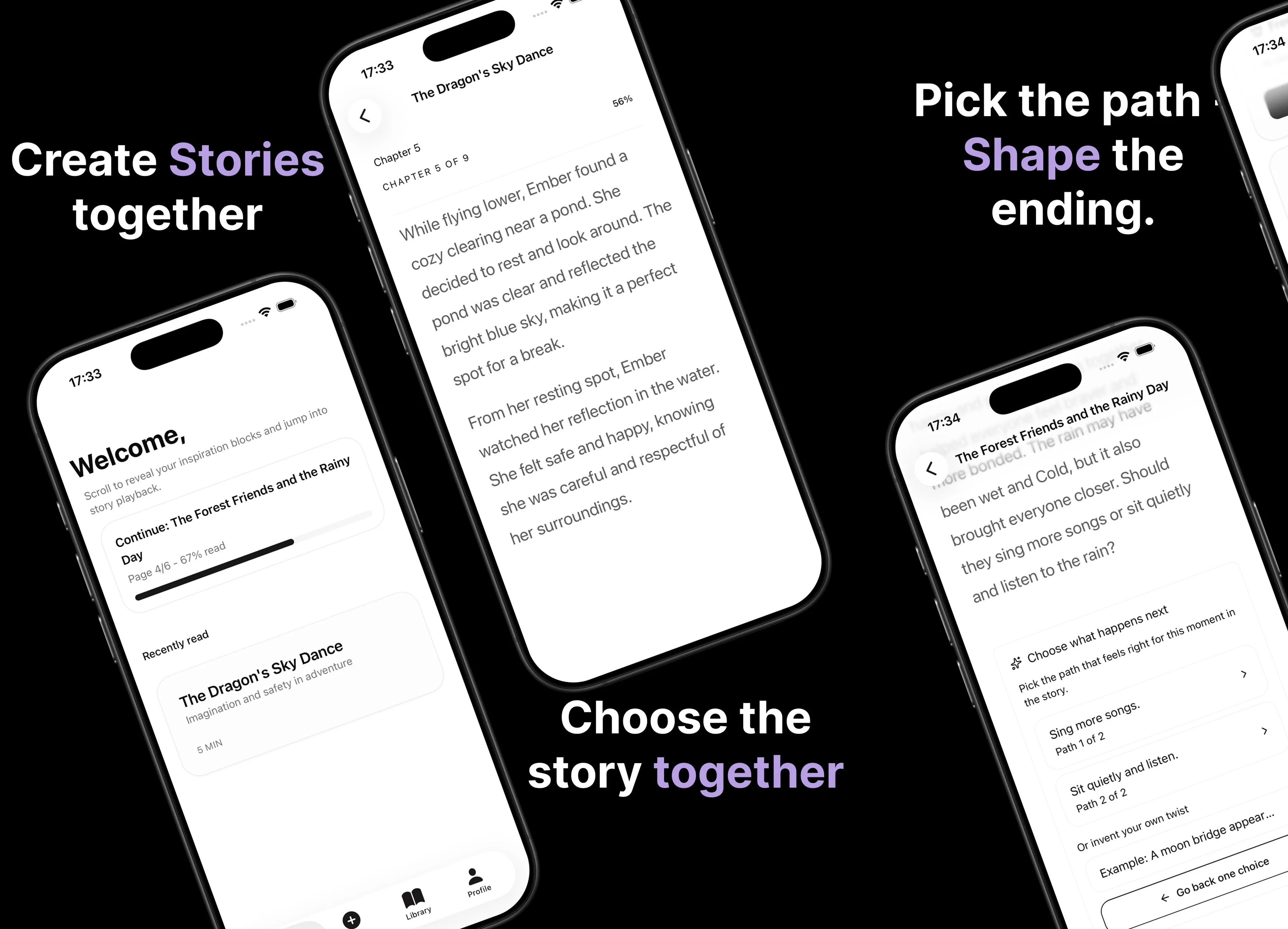
Parent AI Stories: personalized bedtime stories
A mobile product that helps parents create personalized bedtime stories for children in minutes.