How to Choose a Vector Database for Your AI Project
Introduction
Once a team understands what a vector database is and how it works, the next problem is choosing one. There are managed cloud services, open-source engines you self-host, and lightweight embedded libraries - and the right choice depends heavily on scale, team size, and how much operational overhead you're willing to own.
This guide walks through the main categories, the criteria that actually matter, and the mistakes that show up once a project moves past the prototype stage.
What determines the right choice?
Picking a vector database isn't about finding the "best" one in the abstract - most popular options can handle similarity search well. The decision usually comes down to a handful of practical factors:
- Scale. Are you indexing thousands of vectors or hundreds of millions? Index build time, memory usage, and query latency all behave differently at different scales.
- Operational ownership. Does your team want to run and tune infrastructure, or would you rather pay for a managed service and focus on the application layer?
- Existing stack. If you're already running PostgreSQL in production, a vector extension on top of it may be simpler to operate than introducing an entirely new database.
- Filtering and hybrid search needs. Some engines handle metadata filtering and keyword+vector hybrid search more maturely than others.
- Latency requirements. A user-facing search box has different latency tolerances than an internal, asynchronous document-processing pipeline.
Comparing the main categories
Managed cloud services (e.g. Pinecone, Weaviate Cloud, Qdrant Cloud) remove most operational burden - scaling, backups, and index tuning are handled for you. This is usually the fastest path to production for a small team, at the cost of ongoing usage-based pricing and less control over low-level index configuration.
Self-hosted open-source engines (e.g. Milvus, Qdrant, Weaviate, Chroma running on your own infrastructure) give you full control over deployment, cost structure, and data residency. They require someone on the team to own operations: scaling, upgrades, backups, and monitoring. This trade-off makes sense when data residency requirements, cost at scale, or deep customization matter more than convenience.
Postgres-based extensions (e.g. pgvector) let you add vector similarity search directly inside a PostgreSQL database you're likely already running. This is attractive when your dataset is moderate in size and you want to avoid operating a second database system, and it keeps vectors and relational data joinable in a single query. It's generally less performant at very large scale than purpose-built vector engines, though it continues to improve.
Embedded / lightweight libraries (e.g. Chroma in embedded mode, LanceDB, FAISS as a library) run in-process with your application rather than as a separate service. These are well suited to local development, small applications, or single-node deployments where running a separate database service isn't worth the overhead.
Common mistakes
- Choosing based on hype rather than requirements. A tool that's trending isn't necessarily the right fit for your scale or operational constraints.
- Not testing with production-representative data volume. Performance characteristics that look fine with a thousand test vectors can change substantially at real scale.
- Underestimating filtering requirements. Teams often discover mid-project that they need complex metadata filters the chosen engine doesn't support well.
- Ignoring backup, replication, and disaster-recovery needs when self-hosting - these aren't automatic the way they are with a managed service.
- Locking into a single provider's proprietary API without an abstraction layer, making a later migration far more expensive than it needs to be.
Practical checklist
- Estimate your expected vector count and growth rate over the next 12 months, not just today's volume.
- Decide whether managed, self-hosted, or embedded fits your team's operational capacity.
- Check native support for the metadata filtering and hybrid search patterns your application needs.
- If you already run PostgreSQL, evaluate pgvector before adding a new database system.
- Prototype with a query pattern and data volume close to production, not a toy dataset.
- Consider using a thin abstraction layer (such as a retrieval interface in your application code) so switching providers later doesn't require a full rewrite.
Conclusion
There's no universally "best" vector database - only the one that fits your scale, team, and existing infrastructure. Managed services minimize operational work, self-hosted engines maximize control, and Postgres extensions minimize the number of moving parts for teams already running a relational database. For the underlying concepts behind embeddings, indexing, and similarity search that inform this decision, see the companion guide on what vector databases are and how they work, and for how retrieval fits into a full pipeline, see building a production RAG pipeline.
Services
Not sure where to start? Tell me what you want the product to do.
Related work

Teamlex AI: an AI SEO platform
An AI SEO platform for understanding search intent, analyzing competitors, and creating optimized content.
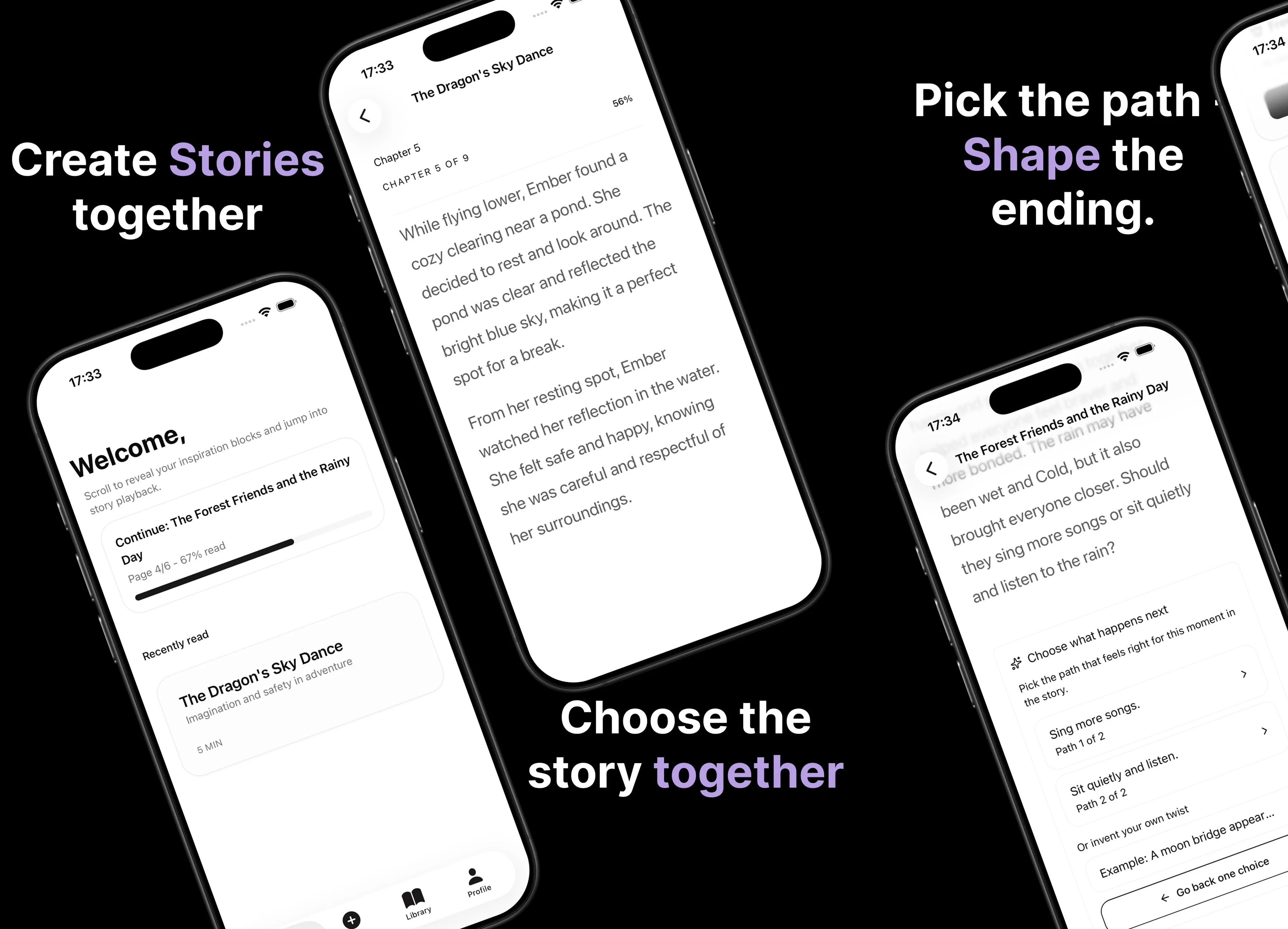
Parent AI Stories: personalized bedtime stories
A mobile product that helps parents create personalized bedtime stories for children in minutes.