What Are Vector Databases? A Practical Guide
Introduction
If you've built or researched a retrieval-augmented generation (RAG) system, you've run into the term "vector database" almost immediately. It's the component that lets an AI application find the handful of relevant documents out of thousands or millions, based on meaning rather than exact keyword matches.
This article explains what a vector database actually is, how it works under the hood, and where it fits in a modern AI application - without assuming you already have a background in information retrieval.
What is a vector database?
A vector database stores data as high-dimensional numeric vectors, called embeddings, and is optimized to answer one core question fast: "which stored vectors are most similar to this query vector?"
Embeddings are produced by a machine learning model that converts text, images, or audio into a list of numbers (typically a few hundred to a few thousand dimensions). Items that are semantically similar - two sentences with the same meaning, or two images of the same object - end up as vectors that are close together in that space, even if the underlying words or pixels are completely different.
A traditional relational database is built for exact matches and range queries: WHERE price < 50 or WHERE email = 'x@example.com'. It has no efficient way to answer "find me the 10 rows most similar in meaning to this one." A vector database is purpose-built for that comparison, using distance metrics like cosine similarity or Euclidean distance, combined with an index structure that avoids comparing the query against every single stored vector.
How vector databases work in practice
1. Embedding generation. Before anything can be stored, source content (a document chunk, a product description, a support ticket) is passed through an embedding model - such as an OpenAI embedding model, a Sentence-Transformers model, or a domain-specific model - which outputs a fixed-length vector.
2. Indexing. Comparing a query vector against millions of stored vectors one by one (a brute-force scan) doesn't scale. Vector databases use approximate nearest neighbor (ANN) algorithms - most commonly HNSW (Hierarchical Navigable Small World graphs) or IVF (inverted file indexes) - to find vectors that are very likely the closest matches, in a fraction of the time a full scan would take. This is a real trade-off: ANN indexes sacrifice a small amount of recall for a large gain in speed.
3. Metadata storage and filtering. Real applications rarely search on vector similarity alone. A support-ticket search might need "similar to this ticket, but only from the last 30 days and only for this customer's account." Vector databases store metadata alongside each vector and support filtering on it, either before, during, or after the similarity search, depending on the engine.
4. Hybrid search. Pure vector similarity can miss things a keyword search would catch - exact product codes, acronyms, or rare terms an embedding model wasn't trained to represent well. Many vector databases now support hybrid search, blending vector similarity with traditional keyword (BM25-style) scoring in a single query.
5. Querying. At query time, the incoming text is embedded with the same model used at ingestion, the database runs the ANN search (with any metadata filters applied), and returns the top-k most similar items, usually with a similarity score attached.
Common mistakes
- Using different embedding models for ingestion and querying. Vectors from different models aren't comparable, even if the models seem similar. This silently produces poor results without any error being thrown.
- Ignoring metadata filtering until it's too late. Bolting on filtering after the index is already built at scale is far more painful than designing for it from the start.
- Skipping evaluation. Teams often assume similarity search "just works" and never measure retrieval quality (precision/recall on a labeled query set), so regressions go unnoticed.
- Not planning for re-embedding. Upgrading to a newer or better embedding model means re-embedding the entire corpus. Systems that don't account for this end up stuck on outdated models.
- Treating the vector database as a full replacement for search infrastructure. For many use cases, hybrid search (vector plus keyword) outperforms vector search alone.
Practical checklist
- Confirm the embedding dimensionality and distance metric match between your embedding model and your database configuration.
- Store enough metadata alongside each vector to support the filters your application actually needs.
- Decide early whether you need hybrid (vector + keyword) search.
- Build a small labeled evaluation set so retrieval quality can be measured, not assumed.
- Plan a re-embedding strategy before you need one, not after.
- Benchmark ANN index settings (like HNSW's
efandMparameters) against your real query patterns rather than using defaults blindly.
Conclusion
A vector database is, at its core, a specialized index for similarity search over embeddings - the piece of infrastructure that makes it possible to ground an LLM's answers in relevant, up-to-date data rather than only what it memorized during training. Understanding how embeddings, indexing, and metadata filtering fit together is what separates a retrieval system that works in a demo from one that holds up in production. For a deeper look at how this fits into a full retrieval pipeline, see what RAG is and how it works.
The next question most teams face is which specific vector database to use - that's covered in the companion guide on how to choose a vector database for your AI project.
Services
Not sure where to start? Tell me what you want the product to do.
Related work

Teamlex AI: an AI SEO platform
An AI SEO platform for understanding search intent, analyzing competitors, and creating optimized content.
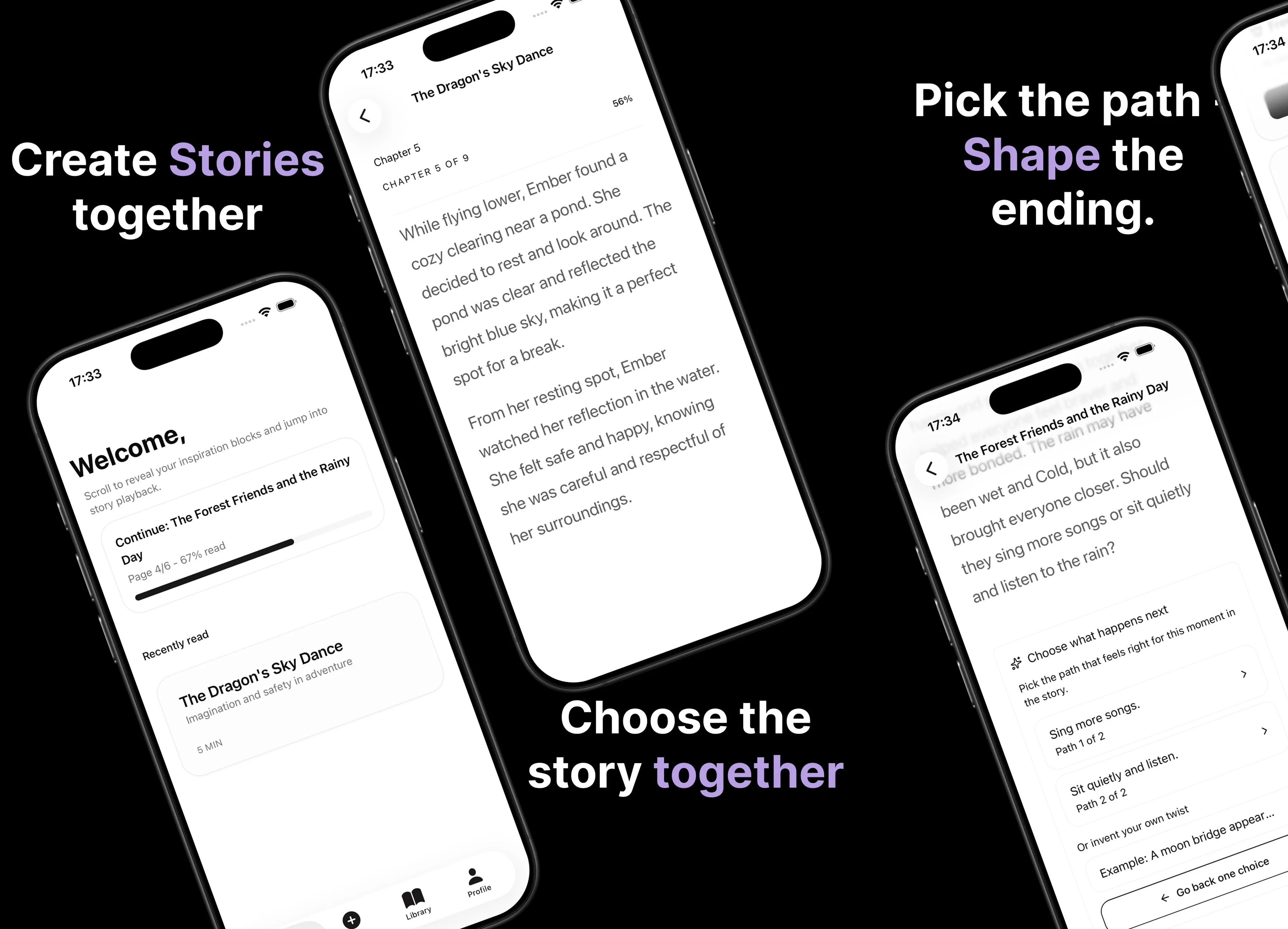
Parent AI Stories: personalized bedtime stories
A mobile product that helps parents create personalized bedtime stories for children in minutes.