How to Reduce LLM API Costs Without Sacrificing Quality
Reducing LLM API cost comes down to four levers: send fewer tokens, use the cheapest model that still meets your quality bar, cache what repeats, and stop retrying failures blindly. Applied together, these routinely cut spend by 40-70% without a noticeable quality drop, because most production systems are paying for tokens and requests that add cost but not accuracy.
This isn't about switching to a worse model to save money. It's about spending your token budget on the calls that actually need it.
Start by measuring, not guessing
Before optimizing anything, know where the money actually goes. Break down cost by:
- Endpoint or feature. Which part of your product drives spend? It's rarely evenly distributed.
- Input vs output tokens. Providers price these differently, and a prompt-heavy, answer-light feature has a different cost profile than the reverse.
- Model tier. Are you calling a frontier model for tasks a cheaper model would handle just as well?
- Retries and failures. Failed calls that get retried silently double their cost without you noticing.
If you don't already have this visibility, it's worth setting up before changing anything, so you can measure whether each change actually helped. See LLM observability: what to monitor in production AI systems and how to set up LLM observability.
Lever 1: Right-size the model per task
The single biggest lever is usually model choice. Frontier models are priced for tasks that need their full reasoning ability, and a large share of production LLM calls don't.
- Route by task difficulty. Classification, extraction, formatting, and short factual lookups often run fine on a smaller, cheaper model. Save the frontier model for the calls that genuinely need deep reasoning, long context, or nuanced judgment.
- Test before you switch, not after. Run the cheaper model against a real evaluation set from your own data before rolling it out, not just on a handful of manual checks. What "works fine" means depends entirely on your task.
- Reconsider per feature, not once for the whole product. A single app can reasonably use three or four different models across its features, each matched to what that feature actually needs.
Lever 2: Reduce token count
Every token costs money on both sides of the call, and most prompts carry more tokens than they need to.
- Trim system prompts. Long instructions accumulate over time as teams add edge cases. Periodically review and cut what's no longer earning its place.
- Limit context, don't dump it. Sending an entire document or full conversation history when only a portion is relevant is one of the most common sources of avoidable spend. Retrieval should return the minimum that answers the question, not the maximum that might be safe.
- Cap output length deliberately. If a task needs a short answer, constrain it. Unbounded generation costs money and often adds verbosity nobody reads.
- Watch few-shot examples. Examples improve quality but cost tokens on every single call. Use the fewest that get you the accuracy you need, and consider fine-tuning instead if you're leaning on a large example set repeatedly.
Lever 3: Cache aggressively
Caching is often the most underused lever because it requires almost no quality trade-off at all.
- Prompt caching, offered by most major providers, lets you reuse a static portion of a prompt (system instructions, a knowledge base excerpt) across calls at a steep discount. This is close to free money if your prompts have a stable prefix.
- Response caching for identical or near-identical requests (the same question asked repeatedly, the same document processed by multiple users) avoids calling the model at all for outputs you already have.
- Semantic caching, which matches semantically similar queries rather than exact ones, extends this further for FAQ-style or support use cases, though it needs care to avoid serving a stale or wrong answer for a query that only looks similar.
Lever 4: Fix retry and failure behavior
Retries are invisible in a demo and expensive in production.
- Don't retry blindly on every failure. A malformed output or a rate limit needs a different response than a genuine model error. Blanket retry logic multiplies cost on exactly the calls that are already failing.
- Cap retry attempts and fail gracefully past a threshold, rather than looping.
- Fix the root cause of frequent retries. If a particular prompt reliably produces malformed JSON that triggers a retry, that's a prompt or schema problem worth fixing once, not a retry cost worth paying forever.
Where batching and async processing help
For anything that doesn't need a real-time response, batch APIs offered by major providers process requests asynchronously at a significant discount, often 50% off standard pricing. This fits background jobs well: nightly summarization, bulk classification, data enrichment. It doesn't fit anything a user is waiting on.
What not to cut
Cost-cutting can go too far. A few things are worth protecting even when they cost more:
- Evaluation and quality checks. Cutting these to save tokens removes your ability to notice when a cheaper model or shorter prompt has quietly hurt quality.
- Safety-relevant checks, such as content moderation or guardrails on user-facing output, where the cost of a bad output outweighs the token savings many times over.
- The task the customer is paying for. If AI quality is your product's core value, that's the last place to economize.
Fitting cost control into the bigger picture
Token and API cost is only part of what an AI feature costs to run. Infrastructure, evaluation tooling, and engineering time to maintain the system all add up too - see what AI agent development costs for the fuller picture. And the cost profile looks different depending on whether you're calling a foundation model directly or building more custom infrastructure around it, which custom AI vs off-the-shelf AI covers in more depth.
A simple way to start
- Instrument cost by feature and by token type before changing anything.
- Identify the one or two features driving most of the spend.
- Test a cheaper model on those features against a real evaluation set.
- Turn on prompt caching wherever your prompts share a stable prefix.
- Audit retry logic for anything looping silently.
- Move anything non-real-time to batch processing.
- Re-measure, and repeat on the next biggest cost driver.
Bottom line
Most LLM cost problems aren't a pricing problem, they're a design problem: too much context sent per call, the wrong model for the task, no caching, and retries nobody's watching. Fixing those four things, in that order, typically gets spend under control without touching the quality users actually notice.
If your AI feature's costs have crept up and you want a second set of eyes on where it's going, RMJDG can help you find the leaks. You can reach out through the RMJDG site.
Services
Not sure where to start? Tell me what you want the product to do.
Related work

Teamlex AI: an AI SEO platform
An AI SEO platform for understanding search intent, analyzing competitors, and creating optimized content.
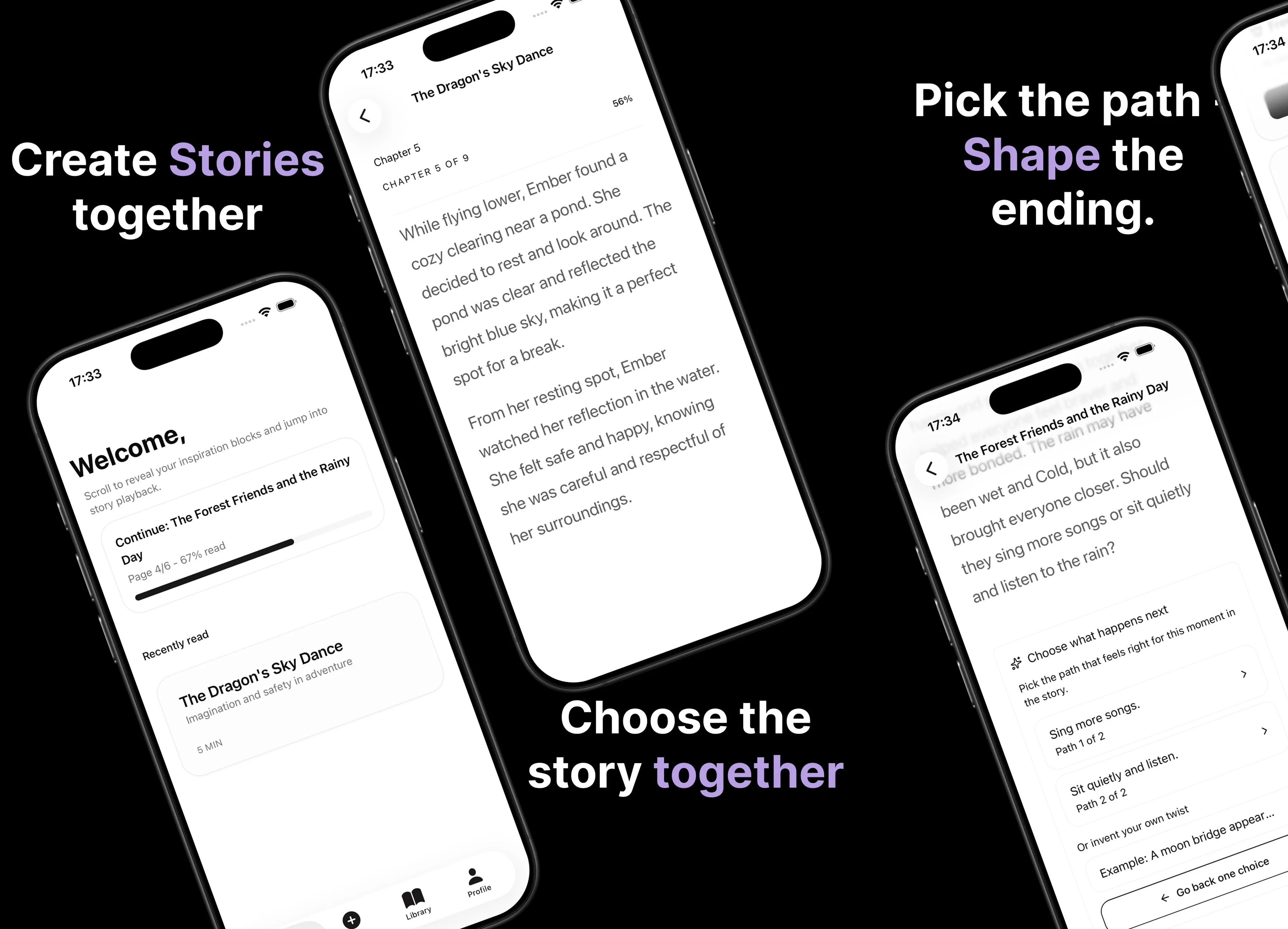
Parent AI Stories: personalized bedtime stories
A mobile product that helps parents create personalized bedtime stories for children in minutes.