No-Code vs Custom Development for Your MVP: How to Choose
Use no-code when you are testing whether people want a fairly standard workflow and the platform can already express it. Use custom development when your product's value lives in its own logic, data, integrations, or AI behavior, or when you already know you'll outgrow a platform. For many founders the honest answer is both, in sequence: a no-code or even manual first version to prove demand, then custom code once there is real usage to build around.
The mistake to avoid is treating the choice as permanent. No-code isn't "cheap and toy-like" and custom isn't "expensive and slow." Each is the right tool for a different question. This guide helps you work out which question you're actually asking.
The short version
- No-code wins when the workflow is standard (forms, lists, approvals, simple marketplaces or directories), the team is one or two non-engineers, and the goal is learning within weeks.
- Custom wins when you need complex permissions, heavy data logic, unusual integrations, real performance, meaningful AI behavior, or ownership of the code and data as an asset.
- A hybrid wins more often than either extreme: off-the-shelf tools for the commodity parts, custom code for the part that makes your product different.
What no-code does well
Visual builders such as Bubble, Webflow, Airtable-based tools, and app builders like Glide or Softr, combined with automation tools like Zapier or Make, are genuinely good at a specific job: getting a working version in front of users quickly without an engineering team.
- Speed to first version. A simple product can be live in days or a few weeks, and a non-technical founder can change it directly.
- Low upfront cost. You pay platform subscriptions instead of an engineering build.
- Cheap to throw away. If the idea doesn't work, you've lost little.
- Good enough for validation. Many questions, such as whether anyone will pay for this or whether users complete the core flow, don't need custom software to answer.
If you haven't yet confirmed demand, no-code (or a manual "concierge" version where you do the work behind the scenes) is often the smartest first step. See how to validate your MVP idea before writing code.
Where no-code starts to break down
The problems tend to appear after the first version works, which is exactly when they hurt most.
- Data model complexity. Products with many related entities, versioning, audit trails, or multi-tenant data get awkward fast on most platforms.
- Permissions. "Each customer sees only their data, managers see their team, admins see everything" is difficult to model and even harder to verify as secure.
- Performance at scale. Slow pages and workflows that time out become common as data volume and traffic grow.
- Integration limits. You can connect what the platform supports. An unusual API, a legacy system, or real-time behavior often falls outside it.
- Pricing that scales against you. Many platforms price by users, records, or workflow runs. A model that is cheap at 50 users can be expensive at 5,000.
- Lock-in. You can usually export data, but logic, workflows, and screens rarely export in a form you can reuse. Moving off a platform is typically a rebuild.
- Security and compliance. If you handle sensitive data or need specific compliance guarantees, you're limited to what the platform offers and certifies.
What custom development gives you
- Ownership. The code, the data model, and the infrastructure are yours, which matters for investors, acquirers, and your own flexibility.
- Control over architecture. You choose the stack, the database, and how the system scales. A typical modern setup is TypeScript with React or Next.js on the front end, Node.js or Python with FastAPI on the back end, and managed infrastructure on AWS.
- Unrestricted integrations. Any API, any data source, any internal system.
- Better economics at scale. Costs track infrastructure use rather than per-seat platform pricing.
- Real AI capability. Retrieval over your own data, tool-calling agents, evaluation pipelines, and cost controls are engineering work that visual builders handle poorly. If AI is central to the product, custom is usually where you end up. Two guides cover what that involves: how to add AI to an existing SaaS product and what AI agent development costs.
The trade-off is a larger upfront investment and a longer path to a first version. For realistic numbers, see the MVP development cost breakdown, and for the calendar side, how long it takes to build an MVP.
The migration problem
The most common no-code plan is "we'll start on a platform and move to custom later." That can work, but be honest about what "move" means. Your data can generally be exported. The workflows, permissions, and interface have to be rebuilt in code. You should treat the no-code version as a prototype whose main output is knowledge, not as the foundation of the final product.
If you go that route, protect your future self:
- Keep your data in a form you can export cleanly, and test the export early.
- Write down the business rules the product enforces, so they can be re-implemented instead of rediscovered.
- Avoid burying core logic in platform-specific features that have no equivalent elsewhere.
- Decide in advance what usage or revenue milestone triggers the rebuild.
A decision checklist
Answer these honestly. The more "yes" answers in a group, the more that group's option fits.
Points toward no-code
- Is the workflow standard, with nothing technically unusual at its core?
- Are you still unsure people will pay for it?
- Do you need something live in weeks rather than months?
- Are you comfortable rebuilding if it works?
Points toward custom development
- Is your competitive advantage the logic, data, or AI behavior itself?
- Do you need complex roles, multi-tenant data isolation, or compliance requirements?
- Will you integrate with systems a no-code platform can't reach?
- Are investors or buyers likely to expect owned code and infrastructure?
- Do you expect thousands of users soon after launch?
Hybrid approaches worth considering
- Custom core, bought commodity parts. Write your differentiating logic in code, and use managed services for authentication, payments, email, and file storage.
- No-code front end, custom API. Keep a visual builder for marketing pages or simple screens, with a custom back end handling the hard parts.
- Concierge first. Deliver the service manually with spreadsheets and email, then automate the steps that hurt most. This is often the cheapest validation of all.
- Custom internal tools, no-code elsewhere. Operations dashboards and admin tools are common places to use low-code, while the customer-facing product is built properly.
If you go custom, choose who builds it carefully
The next decision is who does the work. A solo freelancer, an agency, and an in-house hire each carry different risks around cost, continuity, and ownership. The comparison in MVP development company vs freelancer walks through how to decide and how to vet whoever you pick.
Bottom line
Pick no-code to learn cheaply and quickly, and pick custom development when the thing you're building is the software itself, or when you know the platform's ceiling is below where you're headed. If you're unsure, start with the smallest version that answers your riskiest question, and be explicit about when you'll rebuild.
If you're weighing the two options for a specific product, RMJDG builds MVPs in custom code and can help you judge whether a lighter first version makes sense. You can get in touch through the RMJDG site.
Services
Not sure where to start? Tell me what you want the product to do.
Related work
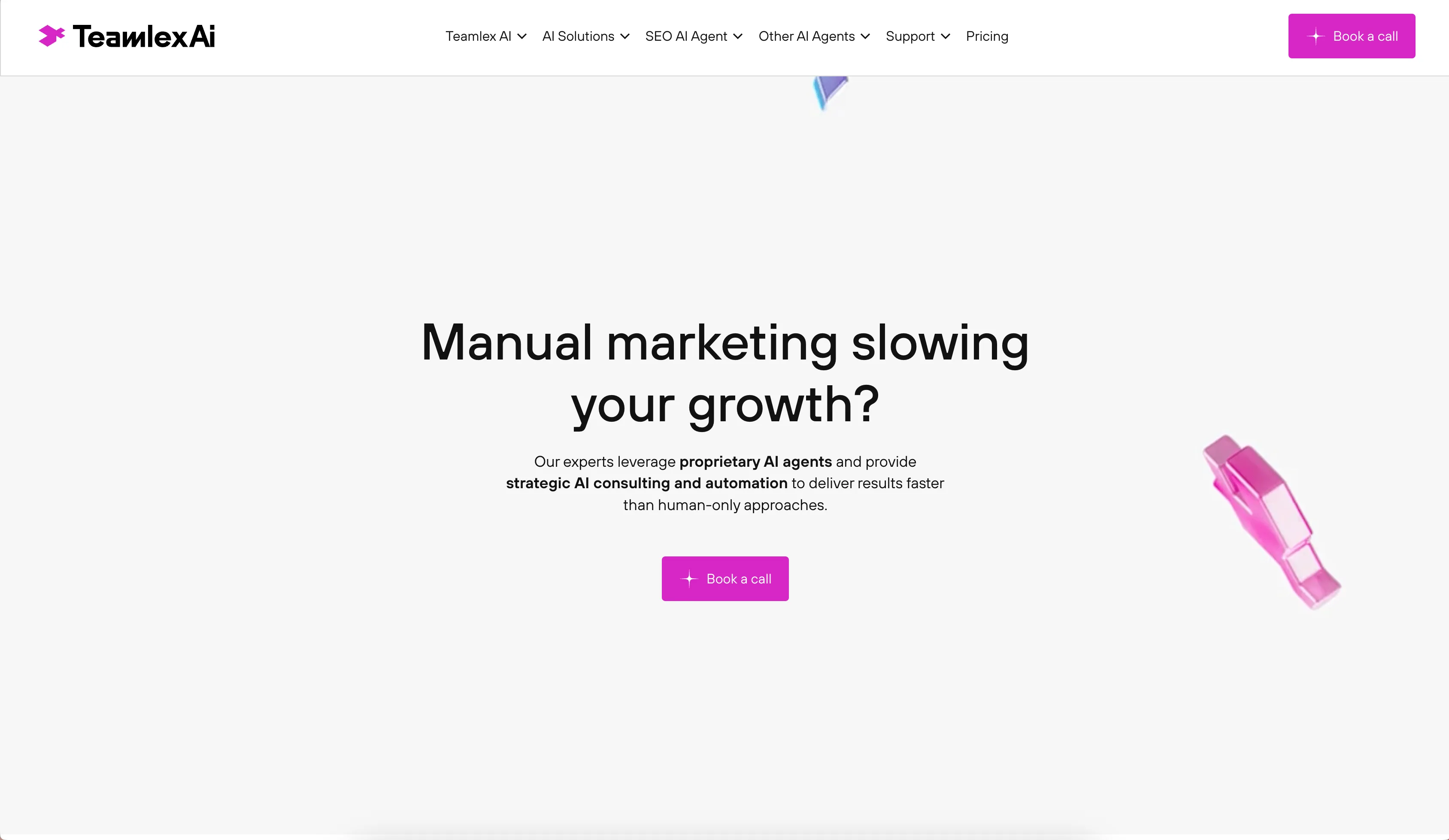
Teamlex AI: an AI SEO platform
An AI SEO platform for understanding search intent, analyzing competitors, and creating optimized content.
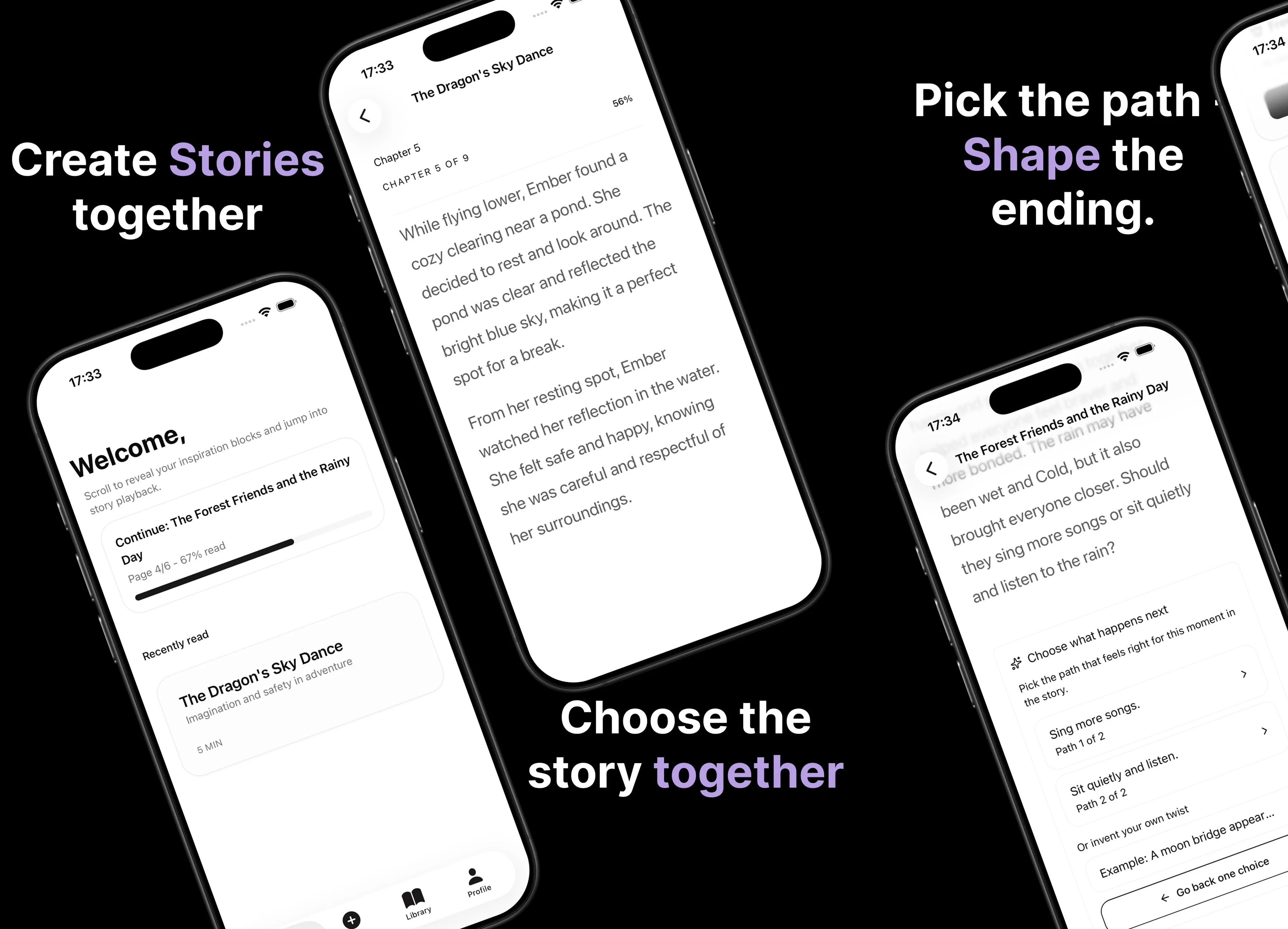
Parent AI Stories: personalized bedtime stories
A mobile product that helps parents create personalized bedtime stories for children in minutes.