React Native vs Native Development: How to Choose for Your App
For most business apps in 2026, React Native is the right default: one codebase covers iOS and Android, ships faster, and costs less to build and maintain. Go fully native (Swift for iOS, Kotlin for Android) when you have a specific, concrete reason - heavy graphics or animation, deep OS integration, or a small set of platform-specific features that matter more than shipping speed. Here's how to tell which situation you're actually in.
The real difference in 2026
React Native compiles to native UI components, not a webview - this isn't the hybrid-app compromise it was a decade ago. With the New Architecture (Fabric renderer and TurboModules) now standard, most apps get native-equivalent performance for typical business logic: lists, forms, navigation, API calls, and standard animations. Expo sits on top of React Native and removes most of the native build configuration, which is why it's become the default starting point for new projects.
Fully native development means separate Swift/SwiftUI and Kotlin/Jetpack Compose codebases. You write (and maintain, and test, and hire for) two apps that happen to do the same thing.
The gap that used to exist - React Native being noticeably janky for anything beyond simple screens - has mostly closed for typical CRUD-and-chat-and-payments apps. It has not closed for a specific set of workloads described below.
When React Native is the right call
You're validating a product idea. Speed to a working app on both platforms matters more than squeezing out the last 5% of animation smoothness. One codebase means one team, one set of bugs, and half the QA surface.
Your app is mostly standard patterns. Lists, forms, navigation, authentication, push notifications, maps, payments, chat. These are all well-supported in React Native with mature libraries, and reinventing them natively on two platforms adds cost without adding value the user can see.
You have a small team or tight budget. One React/TypeScript team can ship and maintain both platforms. Two native teams (or one team context-switching between Swift and Kotlin) costs more and moves slower, especially for a small startup.
You already have a React web app. Sharing business logic, API clients, and sometimes UI logic between web and mobile compounds the savings - this is where React Native's advantage over native is largest.
You need to iterate fast post-launch. Over-the-air updates (via Expo or CodePush-style tooling) let you ship JS-level fixes without a full app store review cycle for many kinds of changes. That's a real velocity advantage once you have users.
When native earns its cost
Heavy animation, gestures, or graphics. Games, camera-processing apps, AR features (ARKit/ARCore), or apps where 60-120fps custom animation is core to the product. React Native can do a lot here with libraries like Reanimated, but at the extreme end, native still has headroom RN doesn't.
Deep OS integration on day one. Widgets, complex background processing, certain Bluetooth/hardware integrations, or being first to adopt a brand-new OS-level API. React Native usually catches up within months via community modules, but "usually" and "within months" aren't good enough if that feature is your core differentiator at launch.
Platform-specific user experience is the product. If iOS and Android users genuinely need meaningfully different flows, not just different styling, maintaining two native codebases can end up cleaner than fighting a shared codebase into two different shapes.
You're already a native shop. If your team has deep, current Swift and Kotlin expertise and no React experience, the "faster with React Native" argument partly evaporates - you'd be paying to retrain instead of paying to build twice.
A quick decision test
Ask these in order:
- Does the app need sustained 60fps+ custom animation or real-time graphics as its core feature? If yes, lean native. If no, continue.
- Do you need a not-yet-mainstream OS API on day one? If yes, lean native for that feature (a native module can sometimes be added to an otherwise-React-Native app). If no, continue.
- Is your team already React-fluent, or hiring for a single small team? If yes, React Native. If you have separate strong iOS and Android teams already staffed, native is a smaller relative cost increase.
- Is speed to a working, dual-platform product a top priority? If yes, React Native wins by default.
Most founders answer "no, no, yes, yes" - which is why React Native (often via Expo) is the standard starting point for MVPs and most business apps.
The middle ground
You don't have to choose once and never revisit it. Plenty of successful apps start in React Native and later rebuild one specific, performance-critical screen (a camera feature, an editor, a game view) as a native module while keeping everything else shared. This is usually cheaper than either "all native from day one" or "rebuild everything native later," and it's a reasonable way to de-risk the decision if you're not sure yet.
If you're still scoping the build, it's worth pricing out both paths concretely rather than deciding in the abstract - see our breakdown of mobile app development costs in 2026 for how platform choice moves the number. We build primarily in React Native and Expo, and reach for native modules selectively when a specific feature calls for it - happy to help you scope which path fits your product.
Services
Not sure where to start? Tell me what you want the product to do.
Related work

Teamlex AI: an AI SEO platform
An AI SEO platform for understanding search intent, analyzing competitors, and creating optimized content.
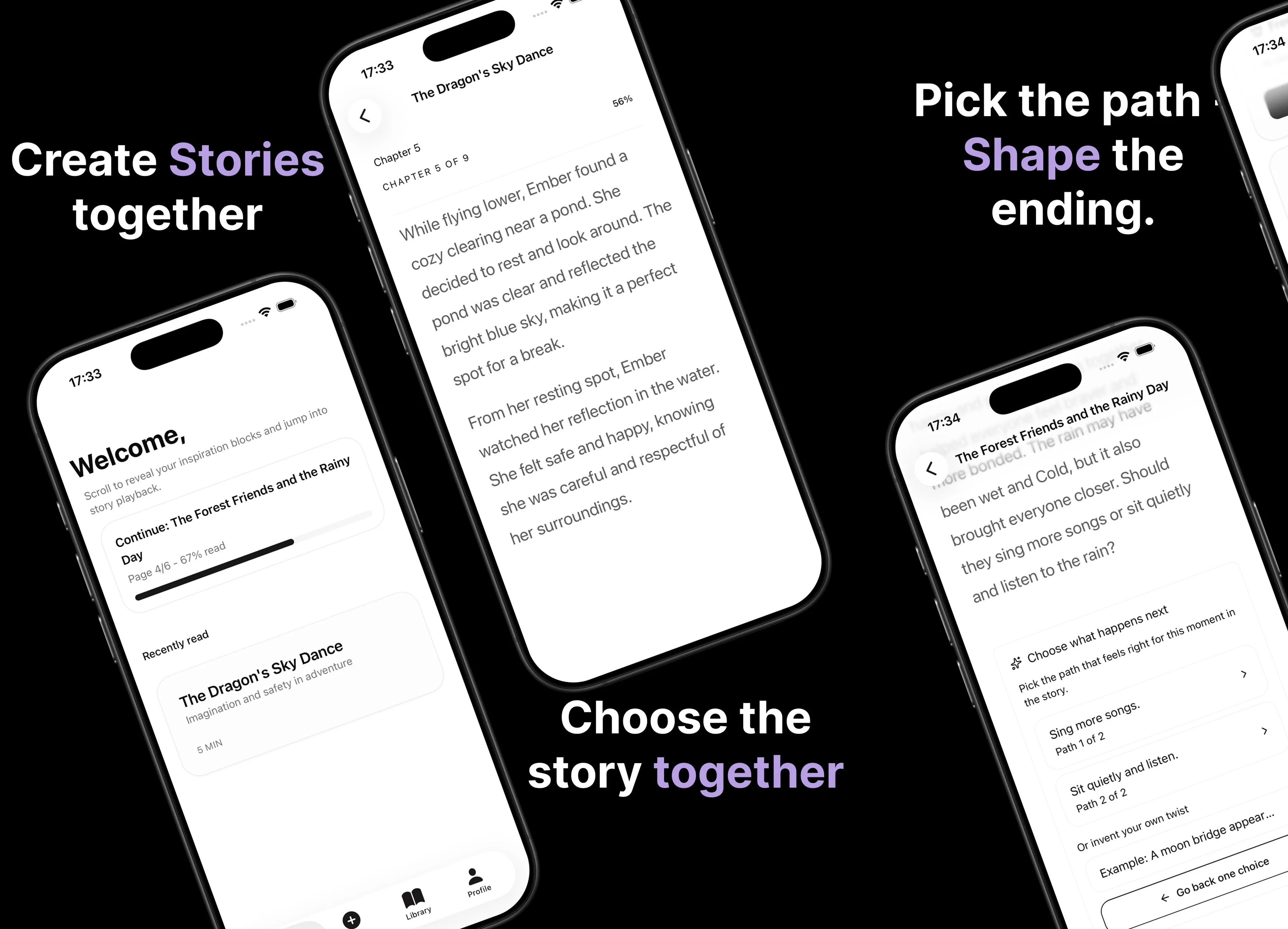
Parent AI Stories: personalized bedtime stories
A mobile product that helps parents create personalized bedtime stories for children in minutes.